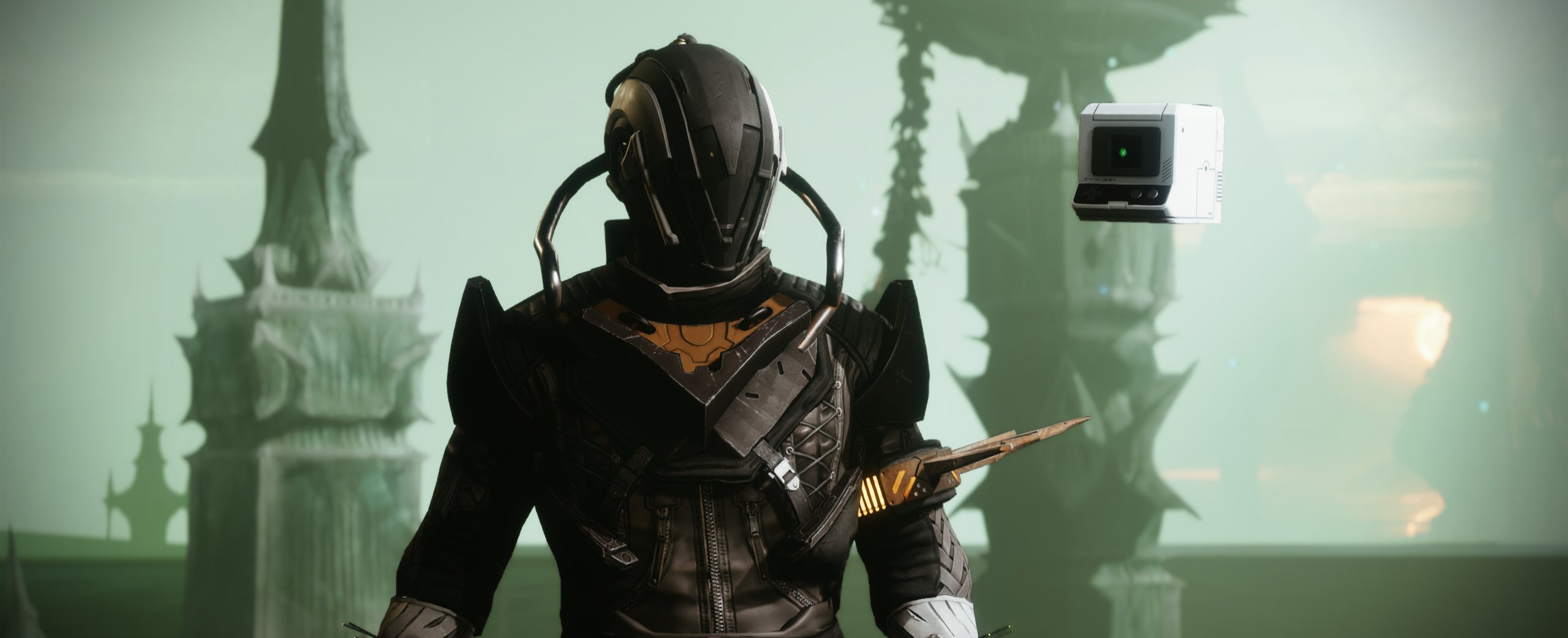
Guardian + Sci-Fi Loadouts
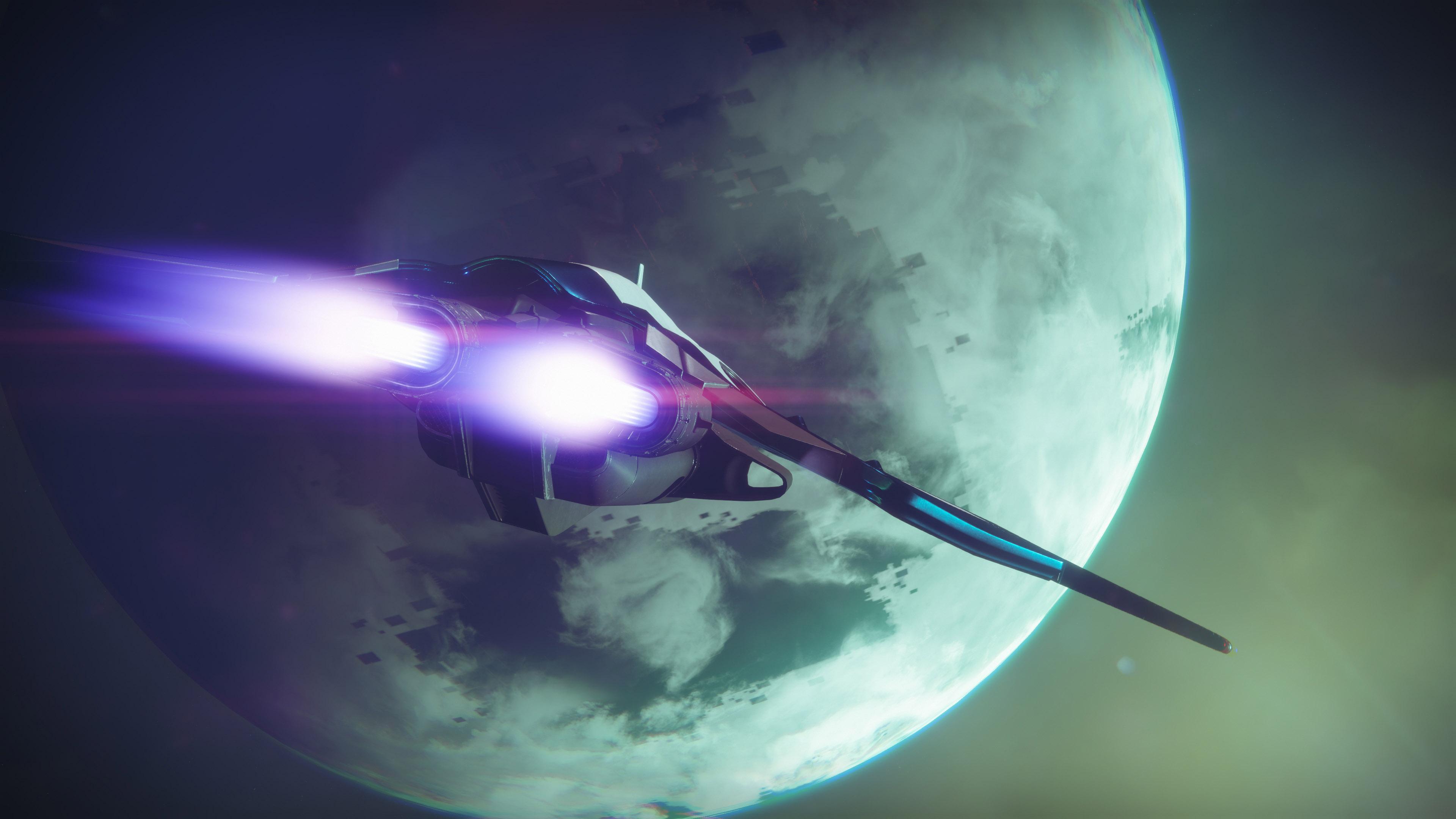
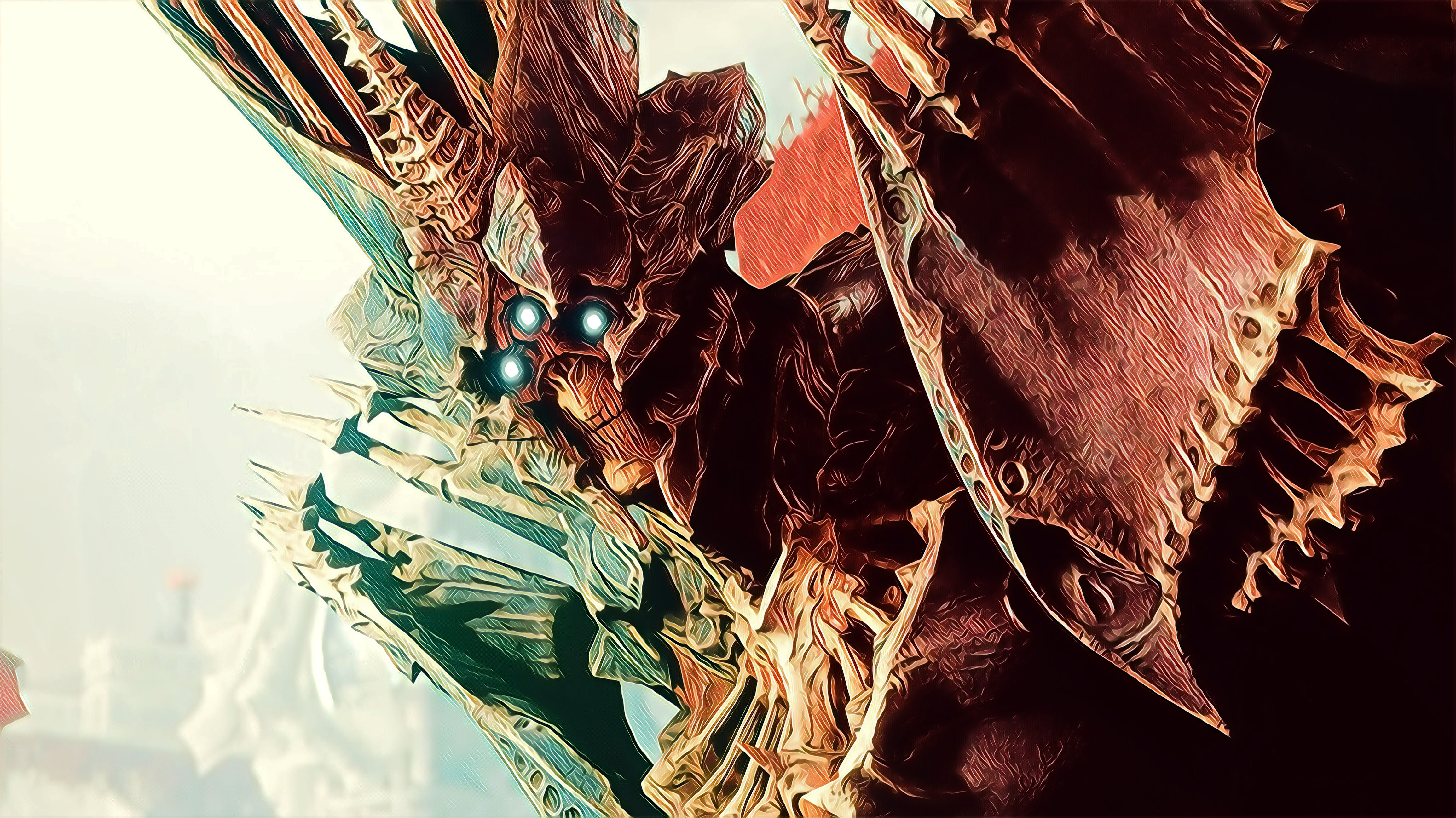
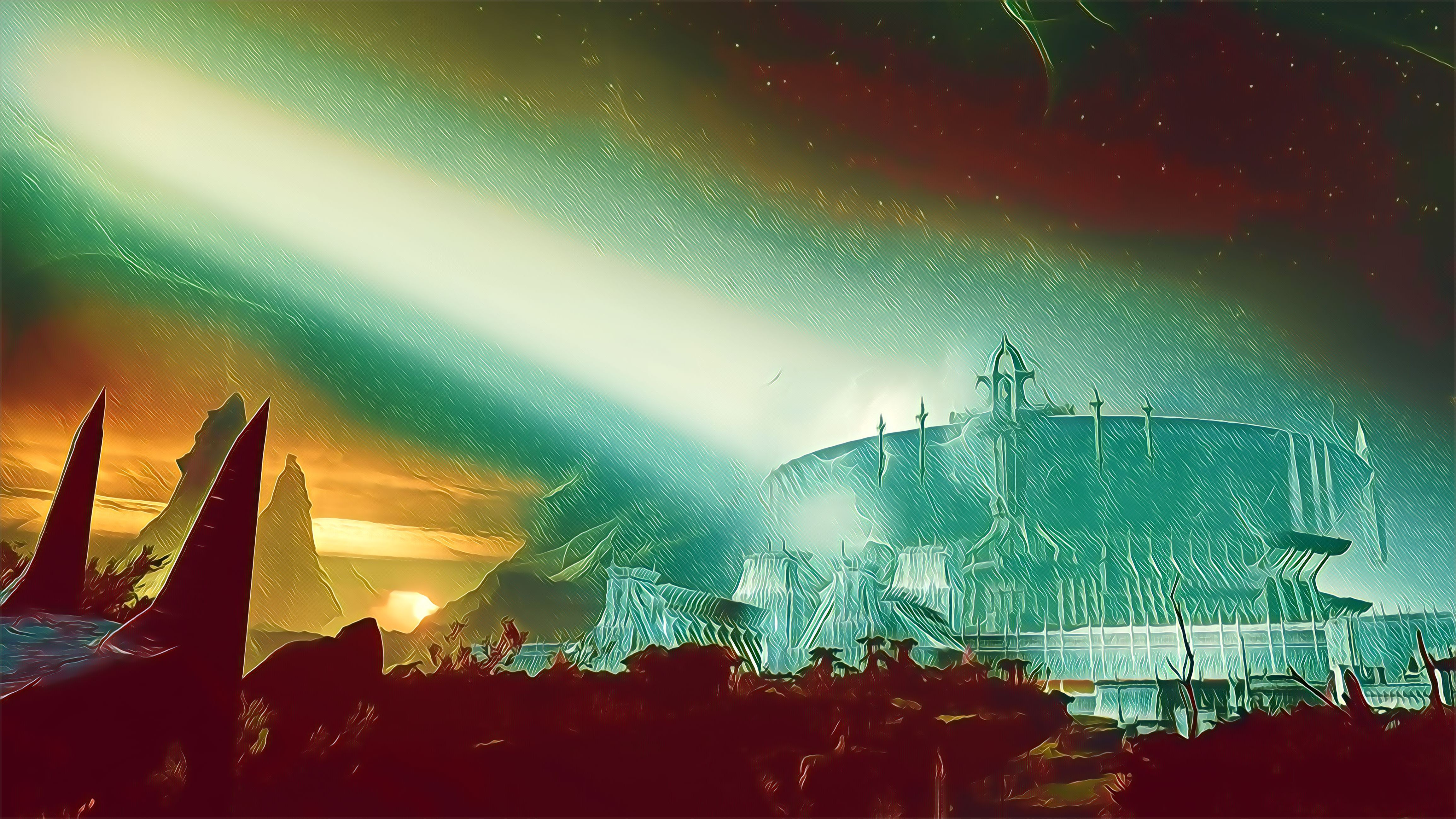
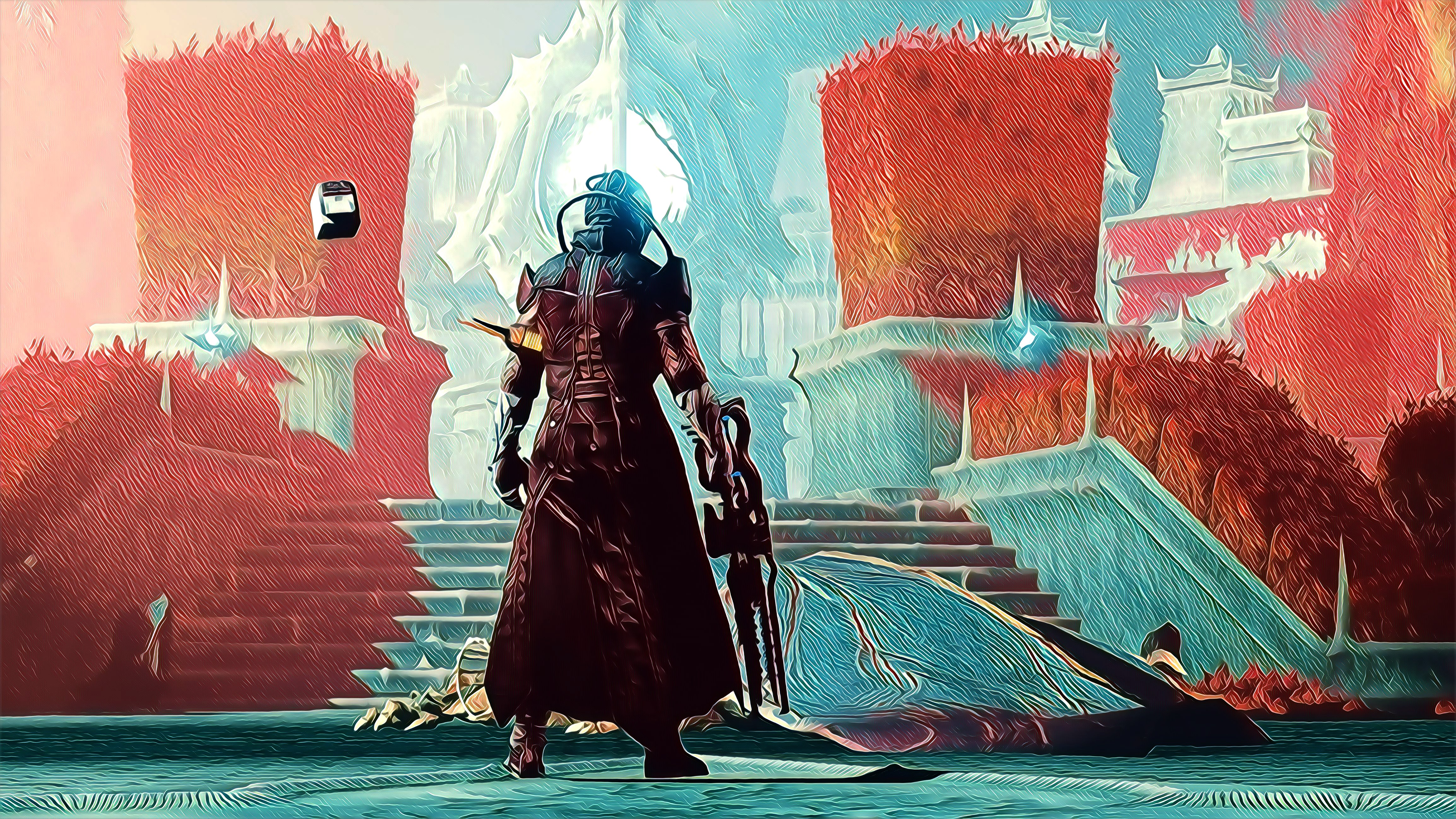
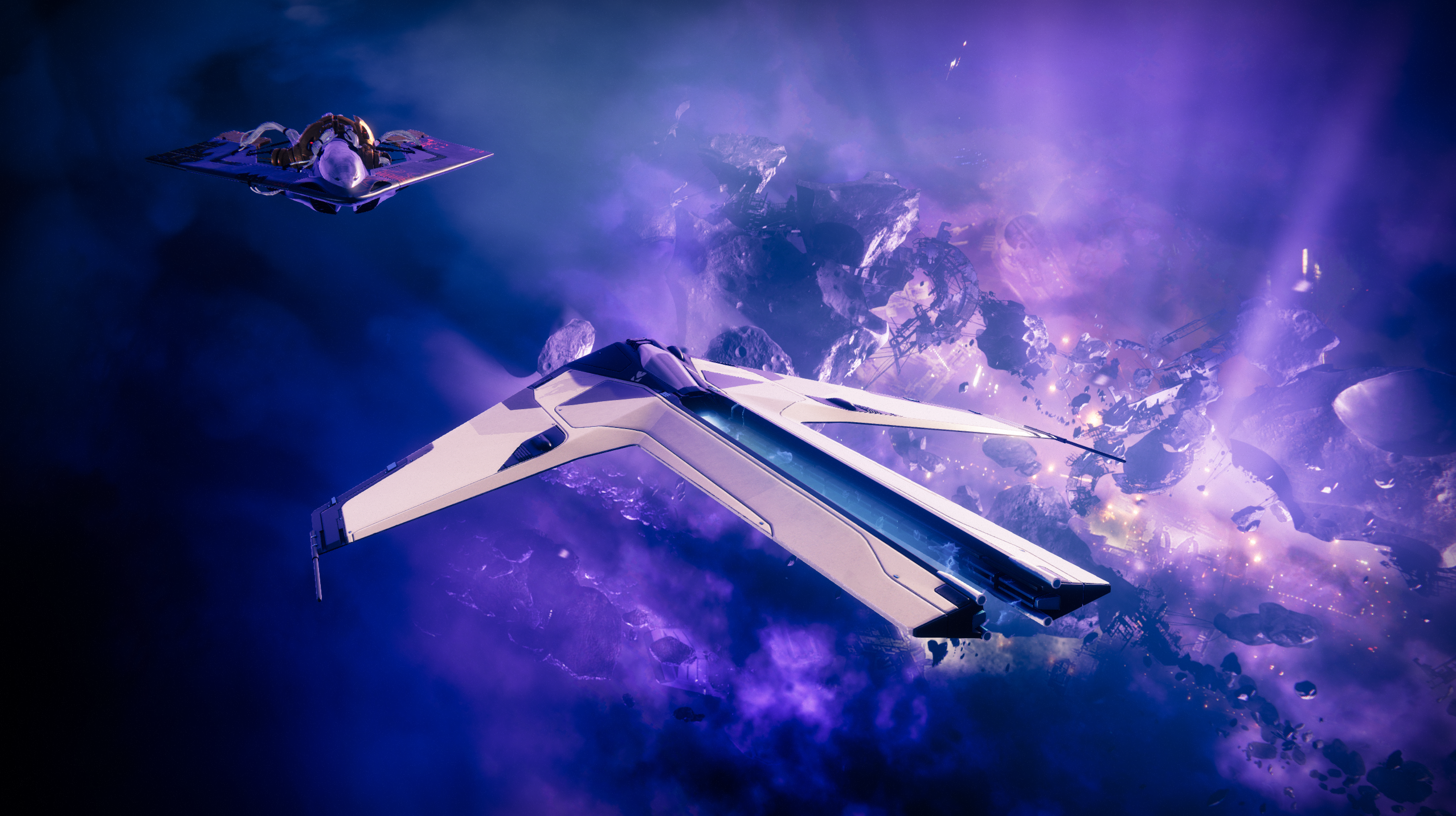
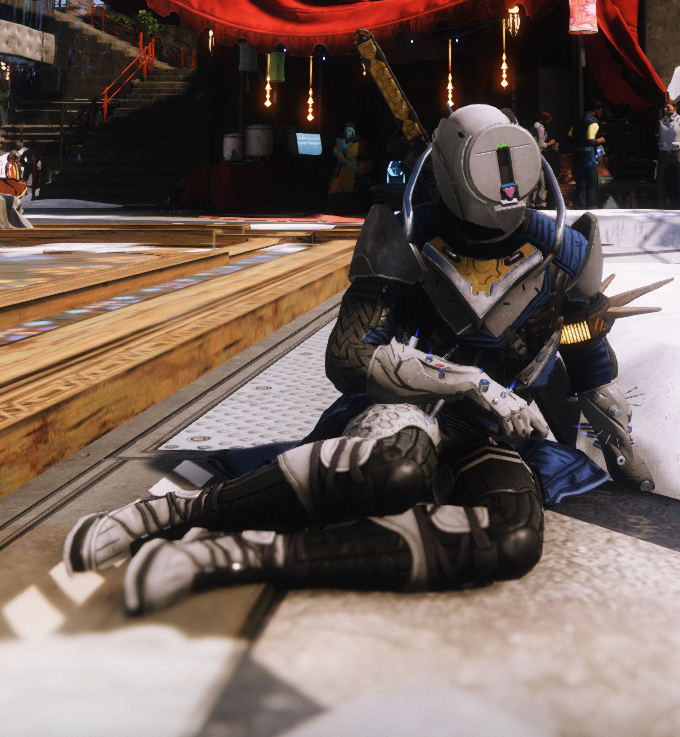
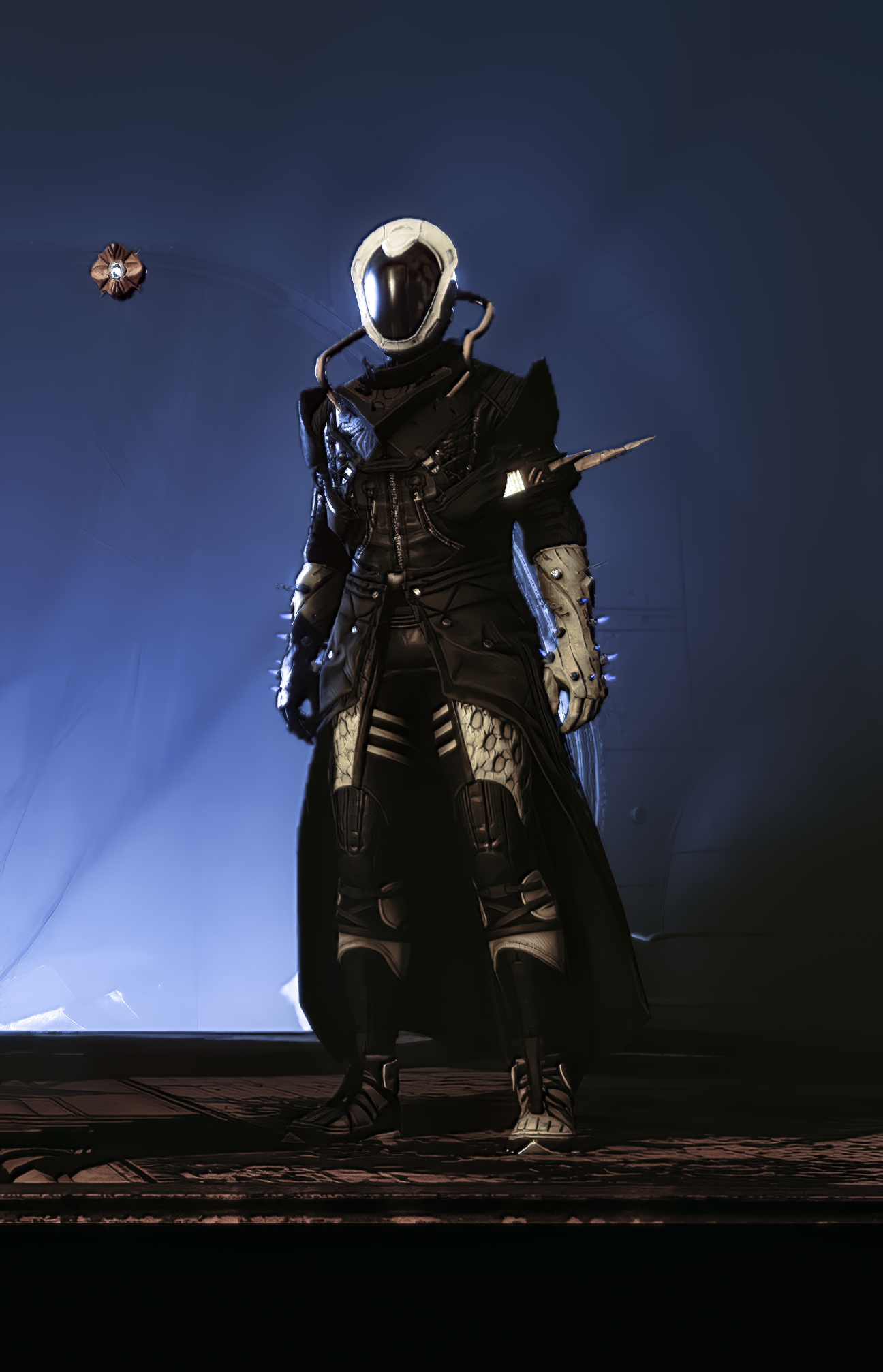
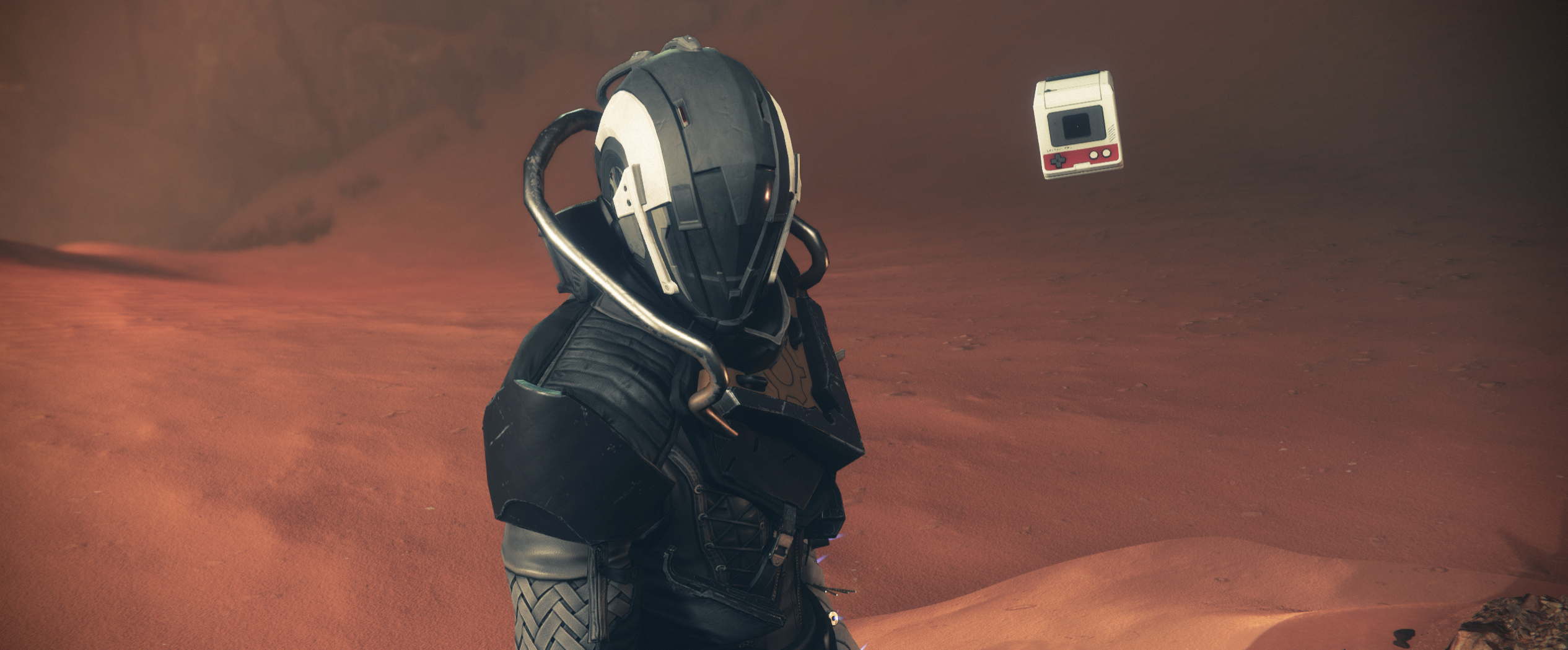
Destiny 2
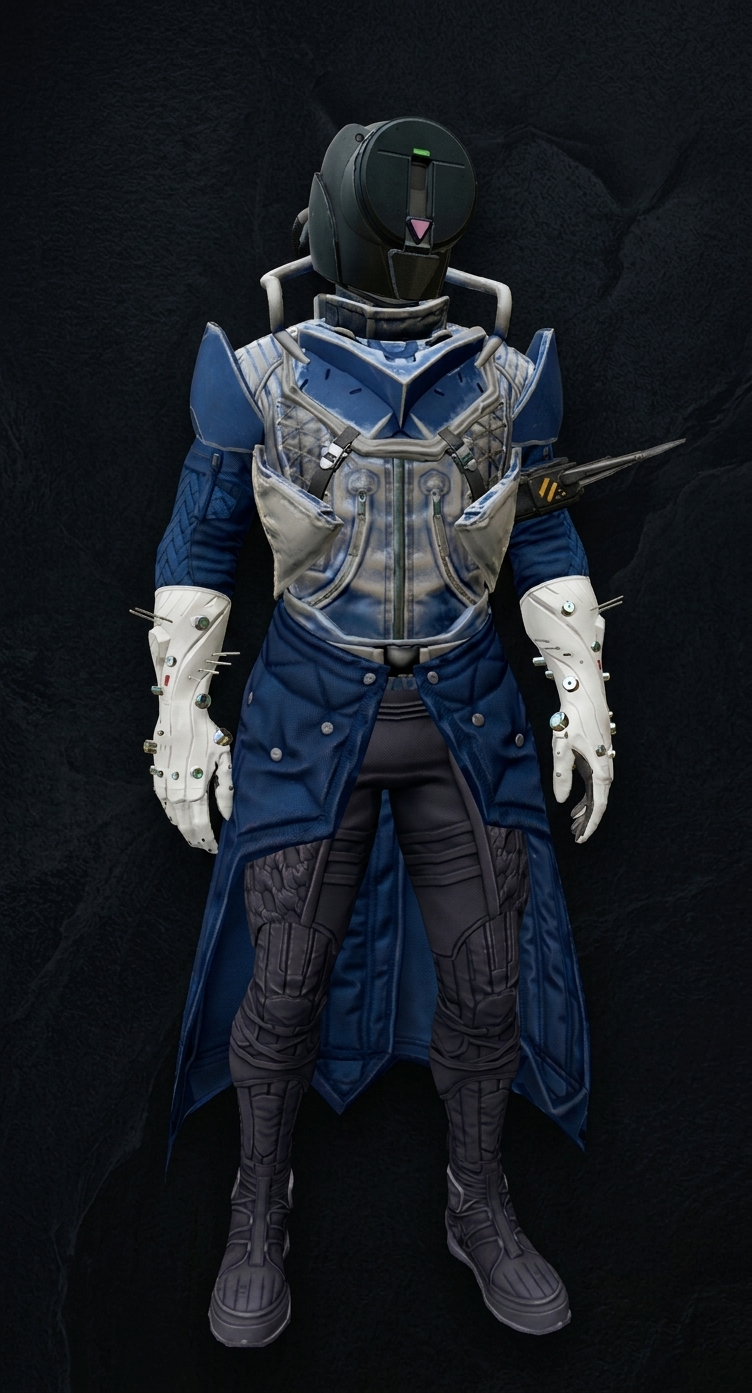
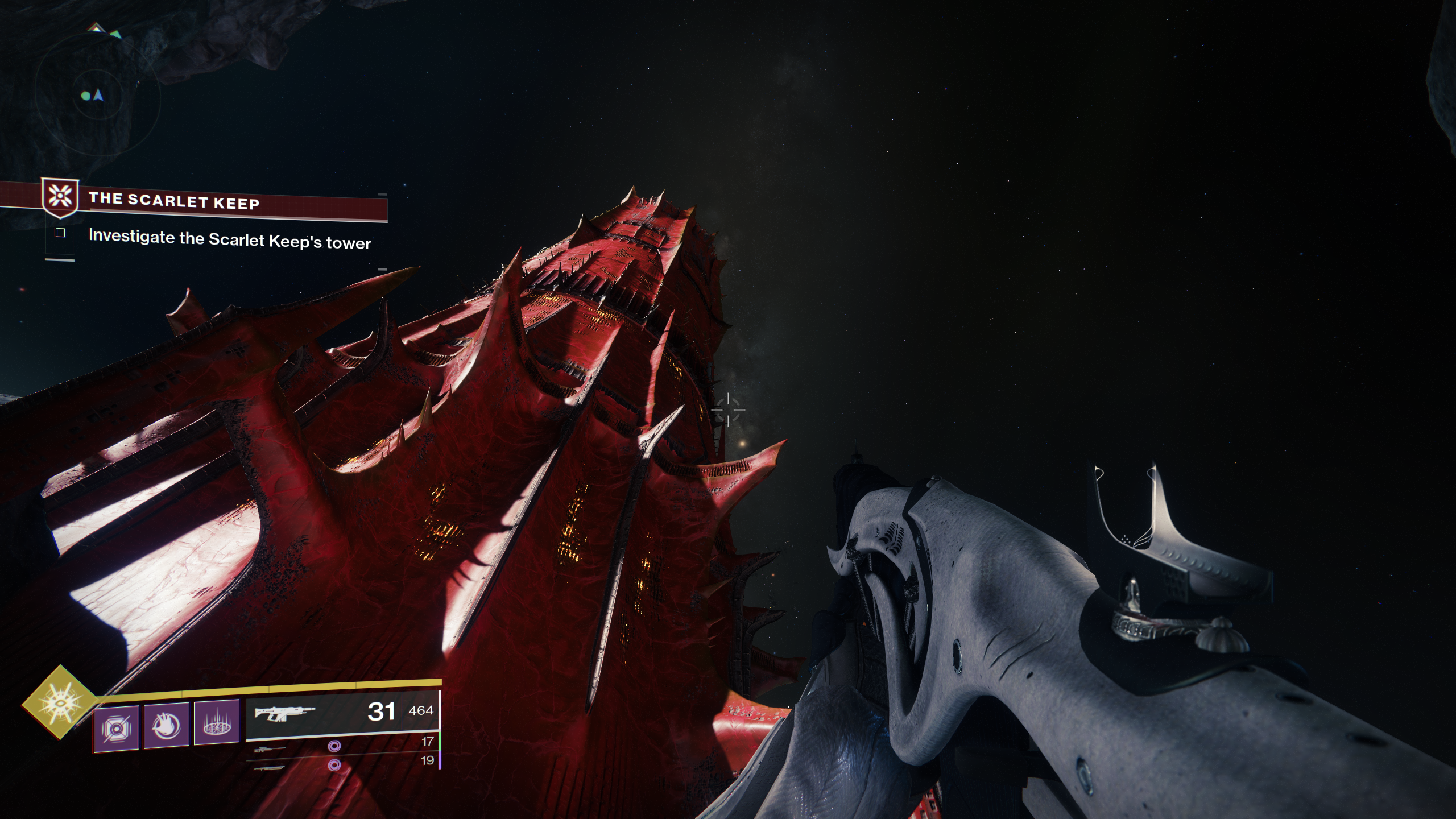
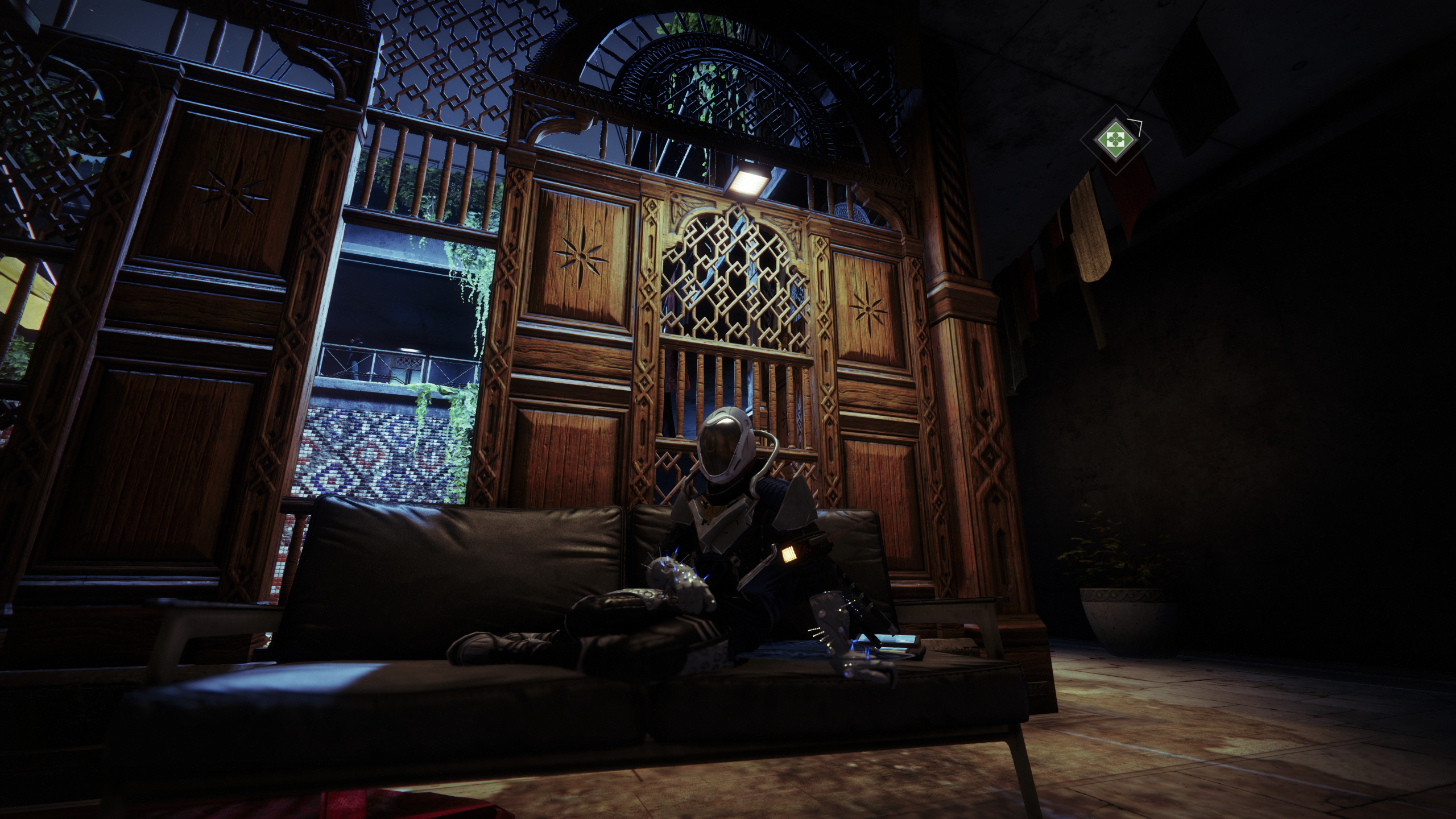
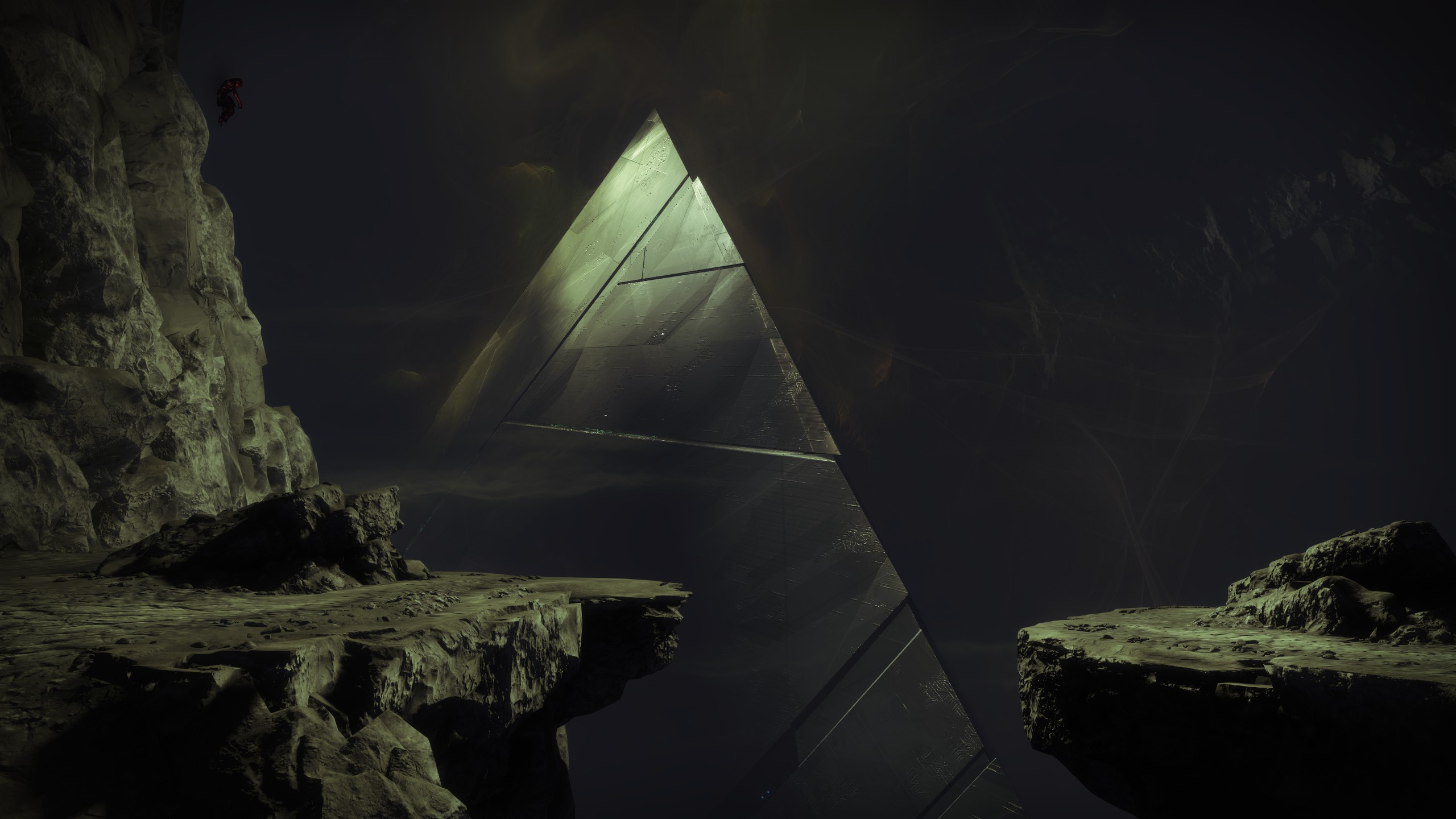
A sci-fi shooter space for character identity, loadouts, seasonal progression, social spaces, cinematic moments, and long-session performance notes.
View Destiny 2 screenshots Get Started
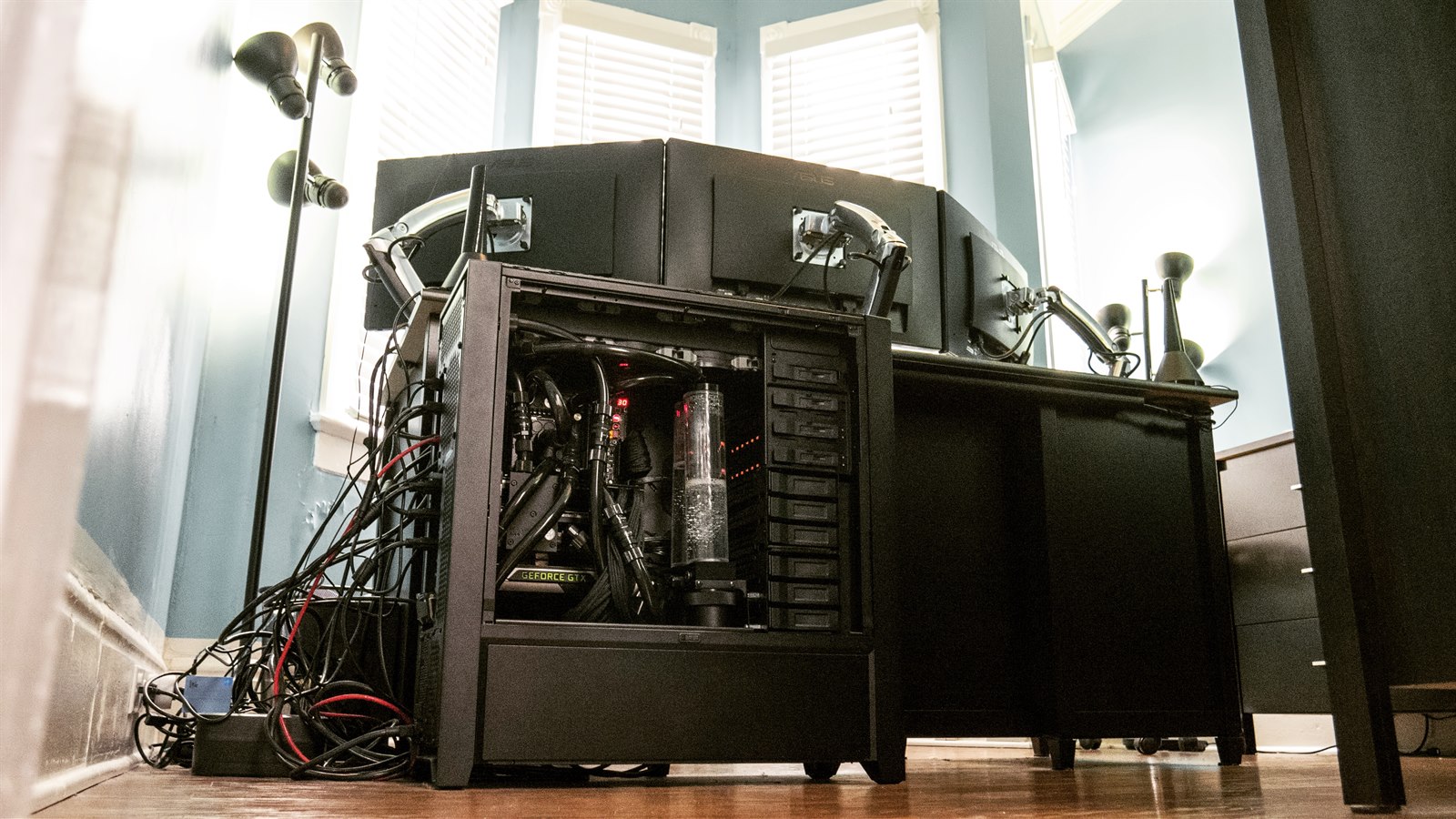
Projects
A technical journal for computer builds, gaming experiments, graphics settings, modding notes, and simulation projects.
About This Collection
This collection documents my computer build, gaming experiments, graphics settings, modding notes, and simulation projects as they grow over time.
The focus is practical: what I am playing, what I am testing, what performs well, and what I learn while tuning games like GTA V, Destiny 2, and future simulation setups.
Game Details
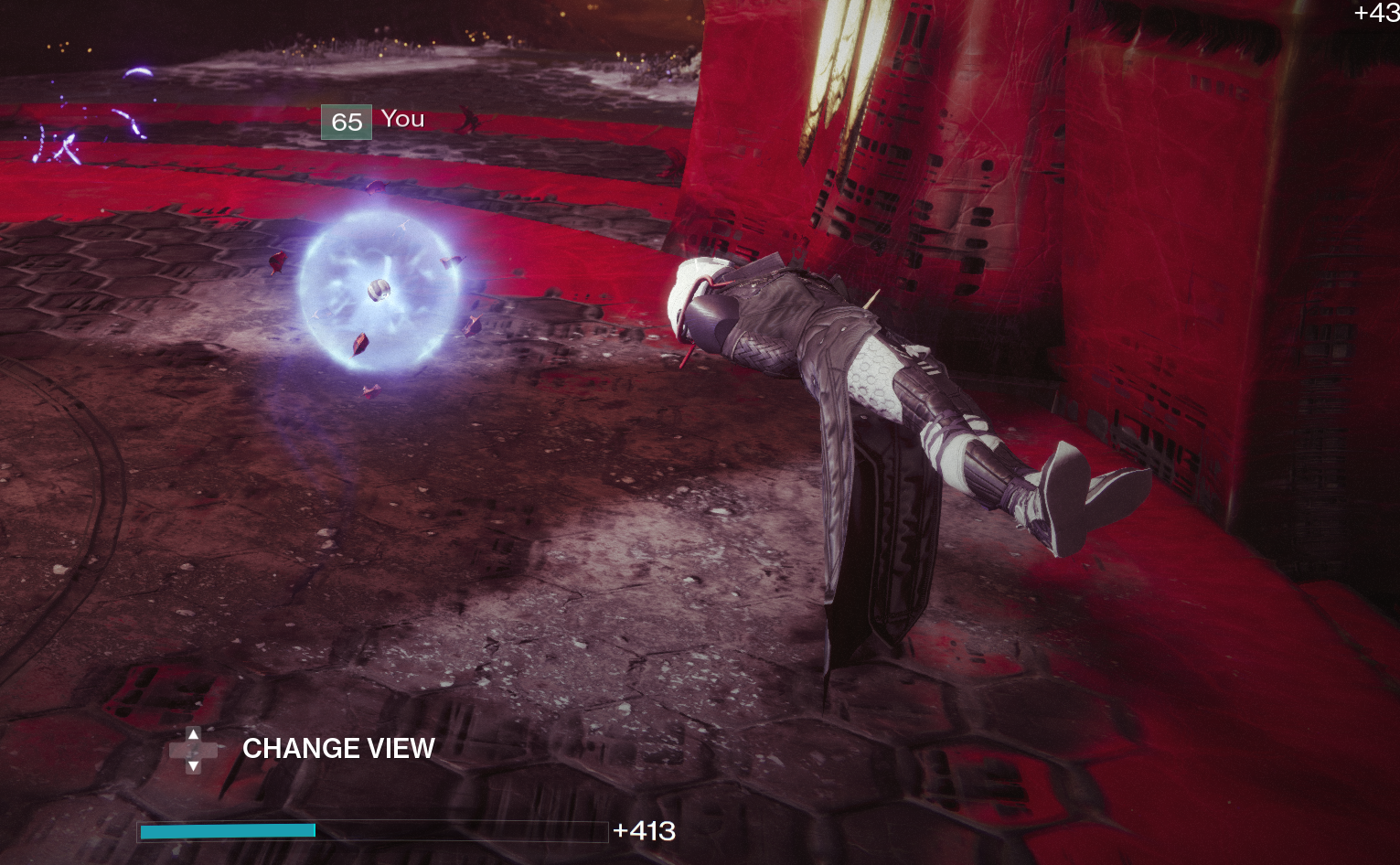
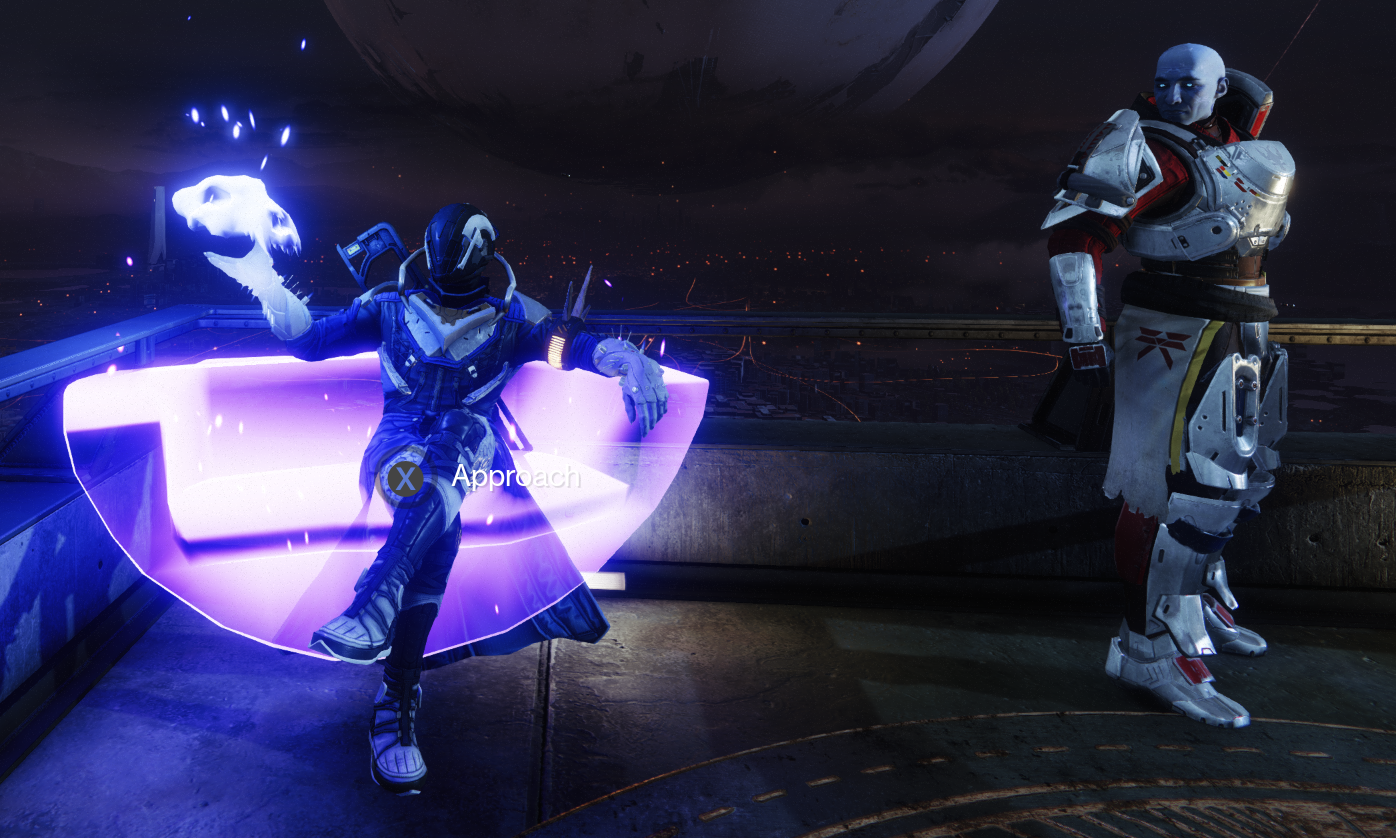
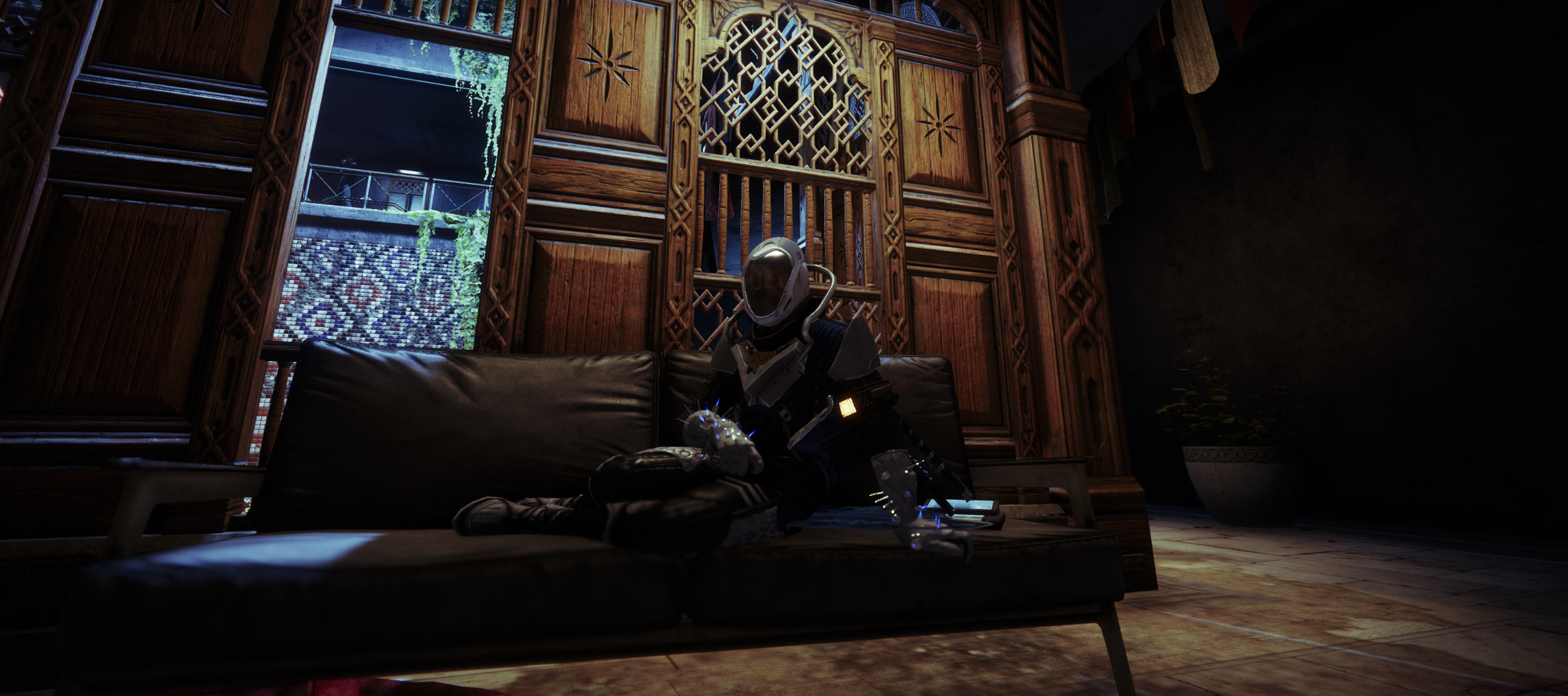
A sci-fi shooter space for character identity, loadouts, seasonal progression, social spaces, cinematic moments, and long-session performance notes.
View Destiny 2 screenshots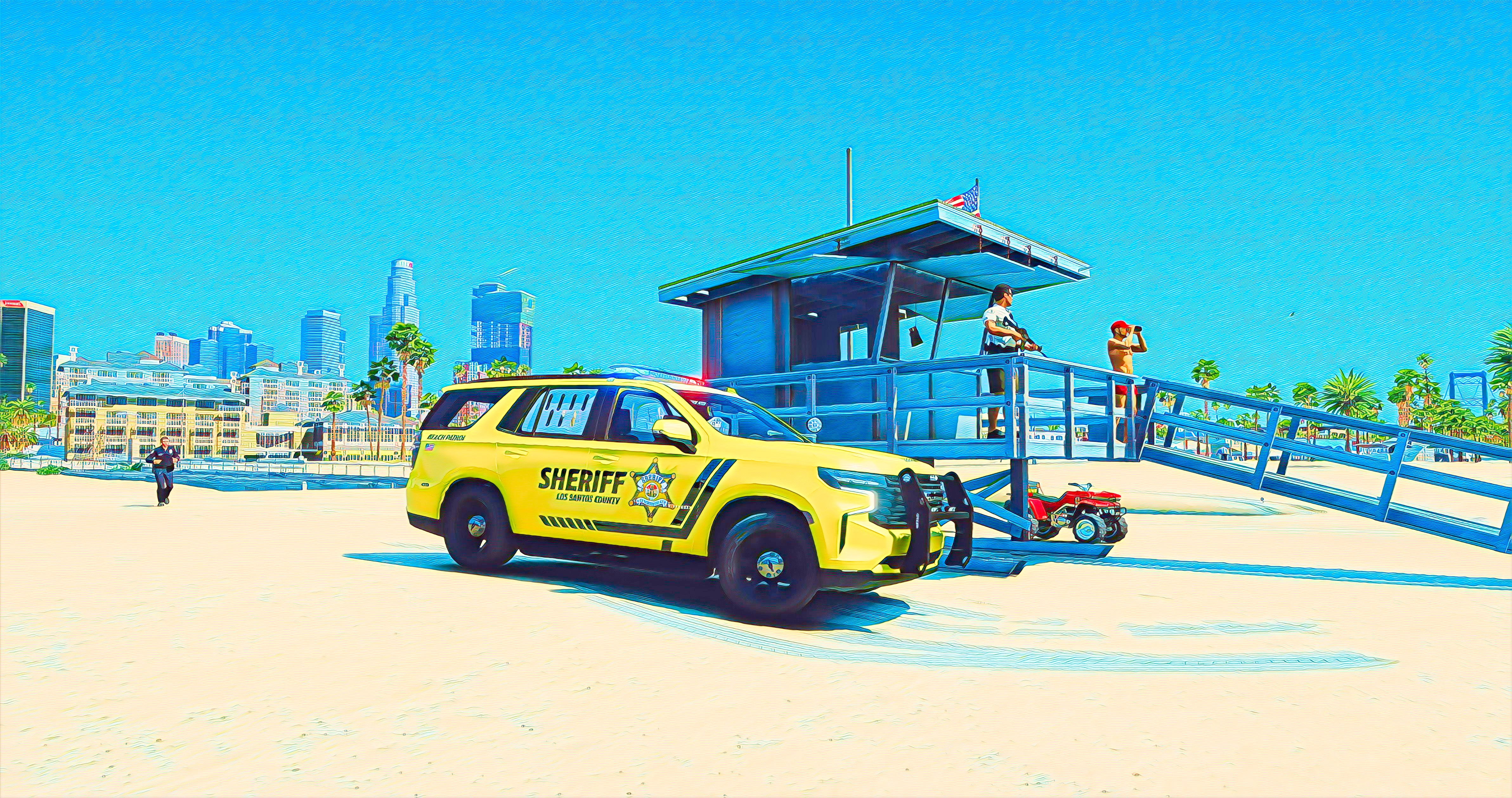
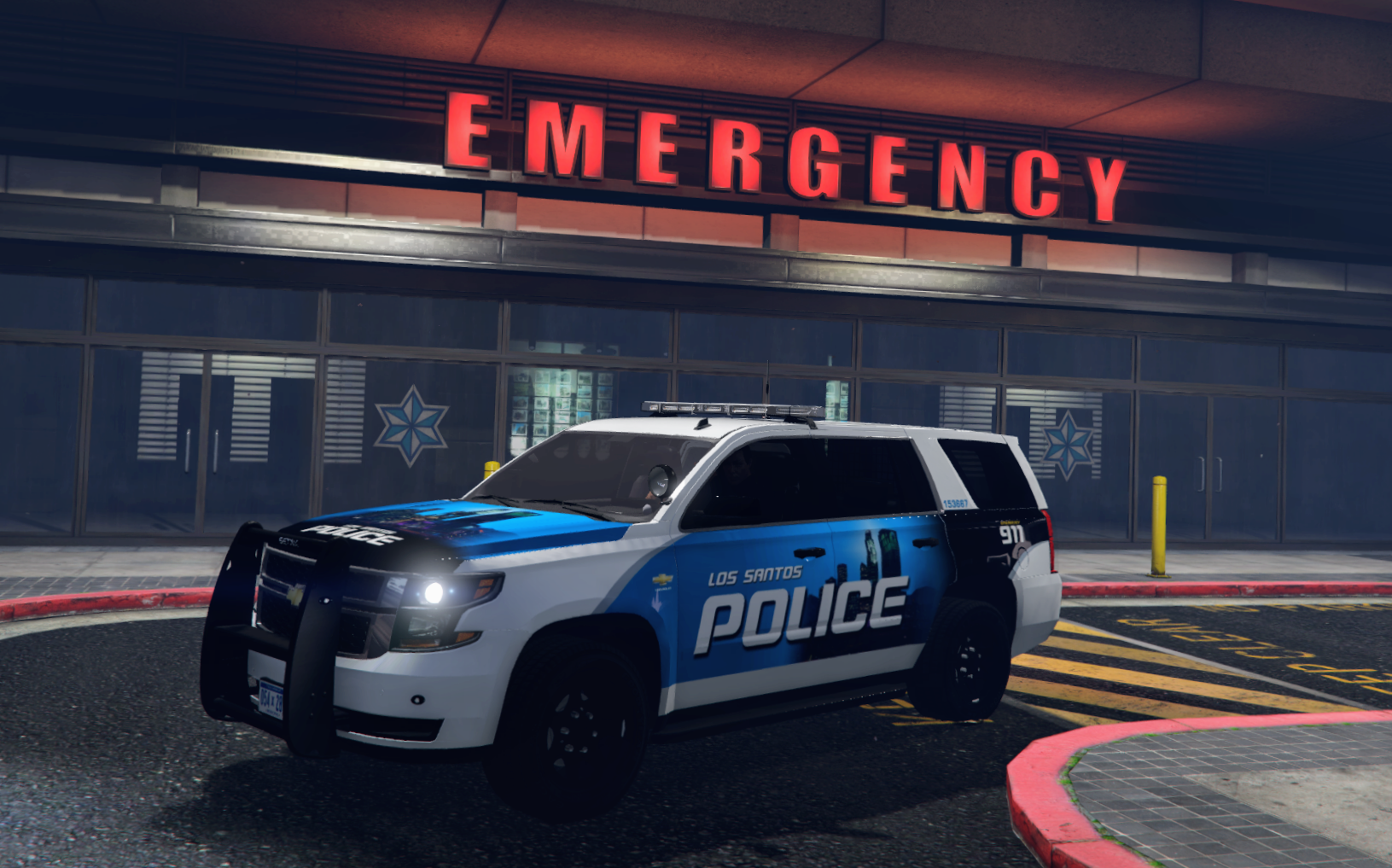
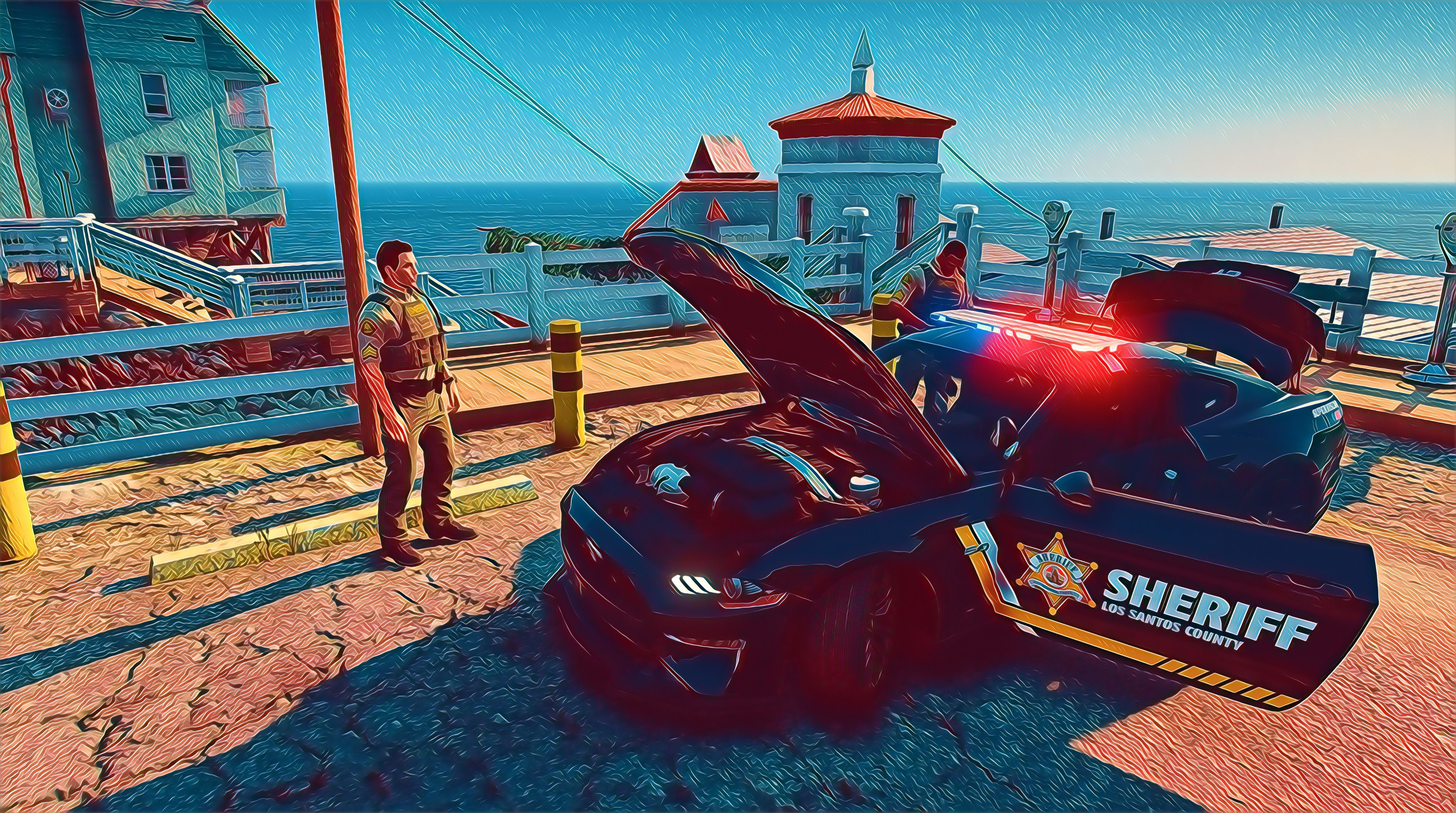
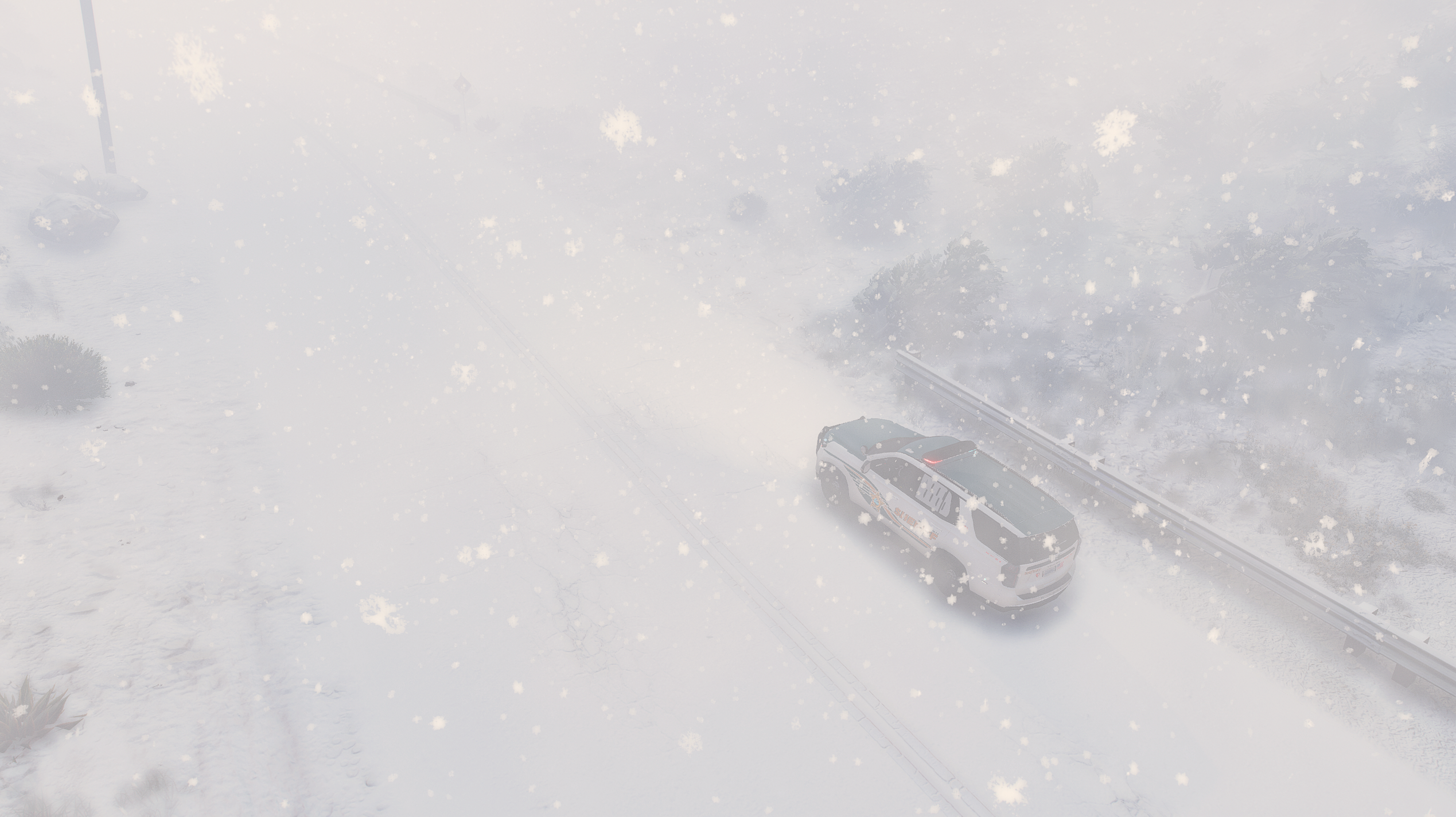
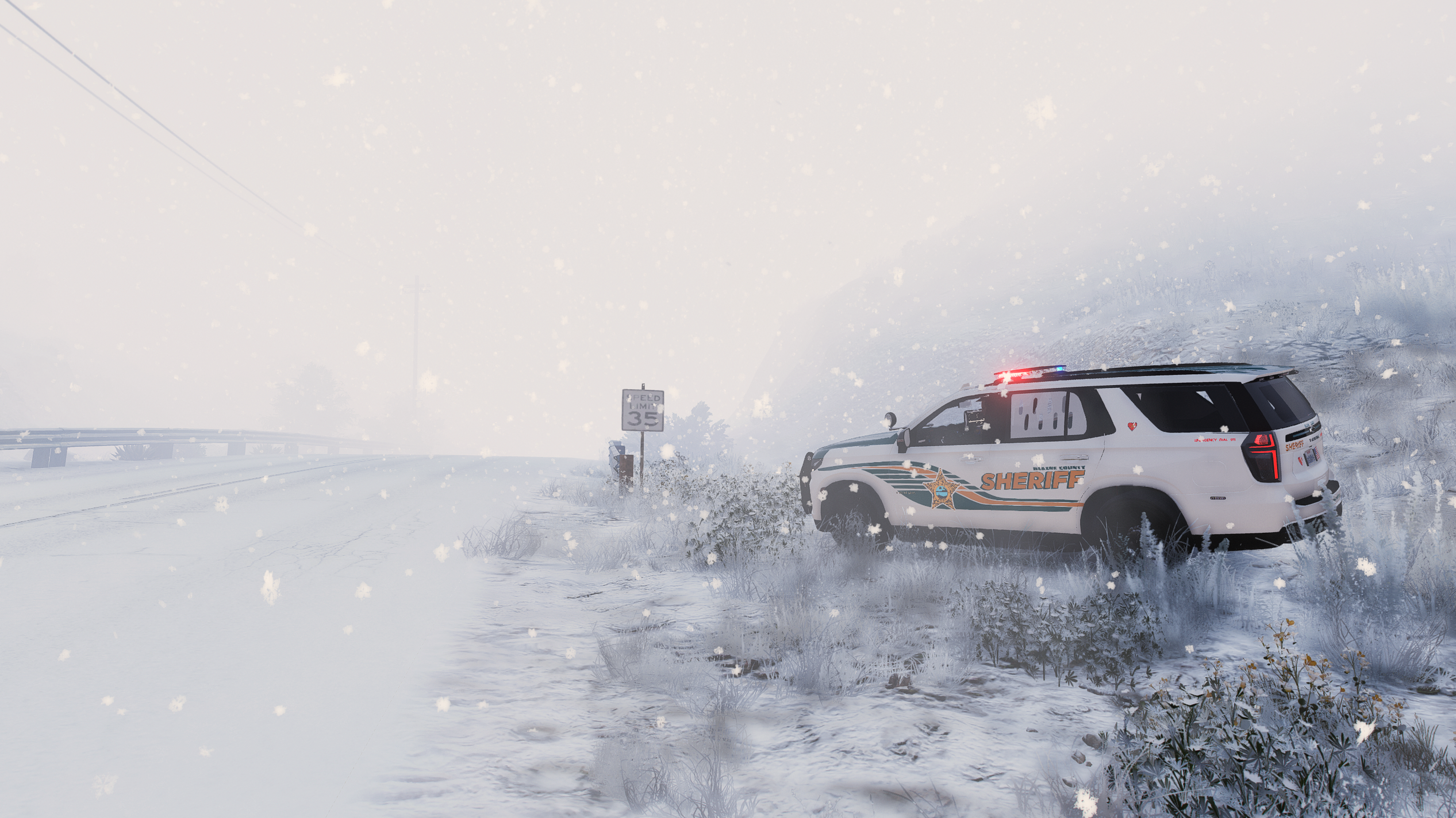
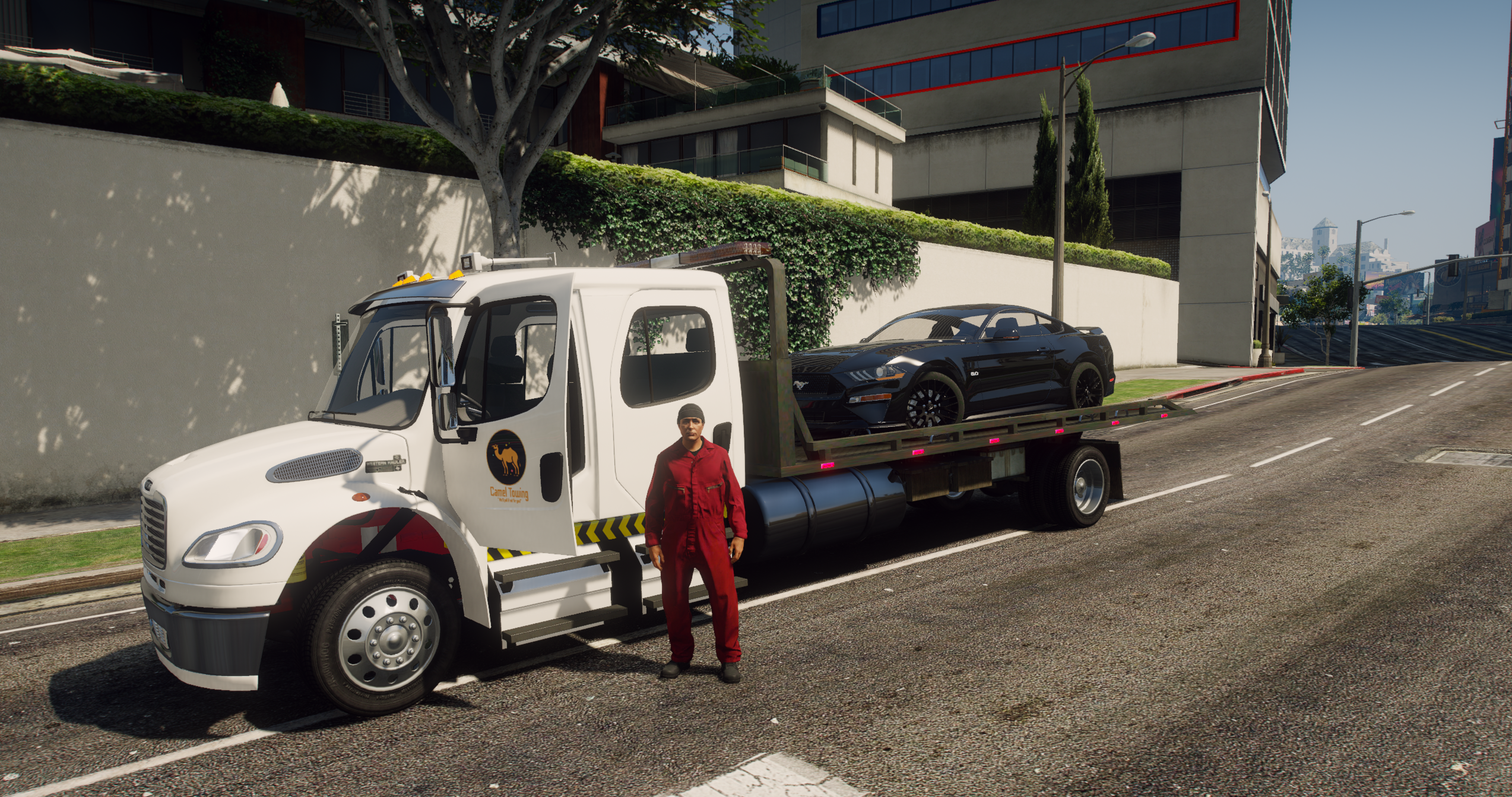
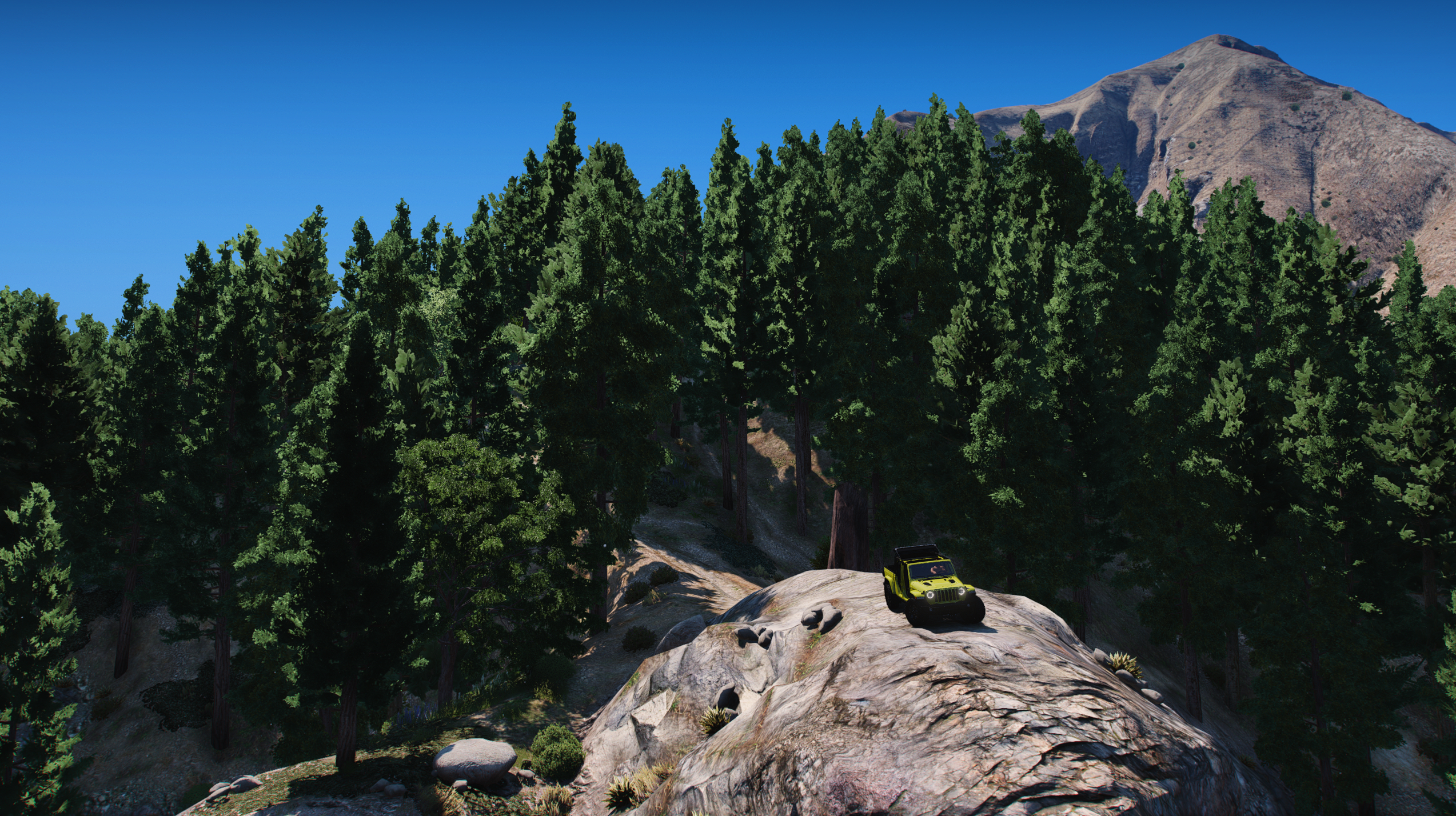
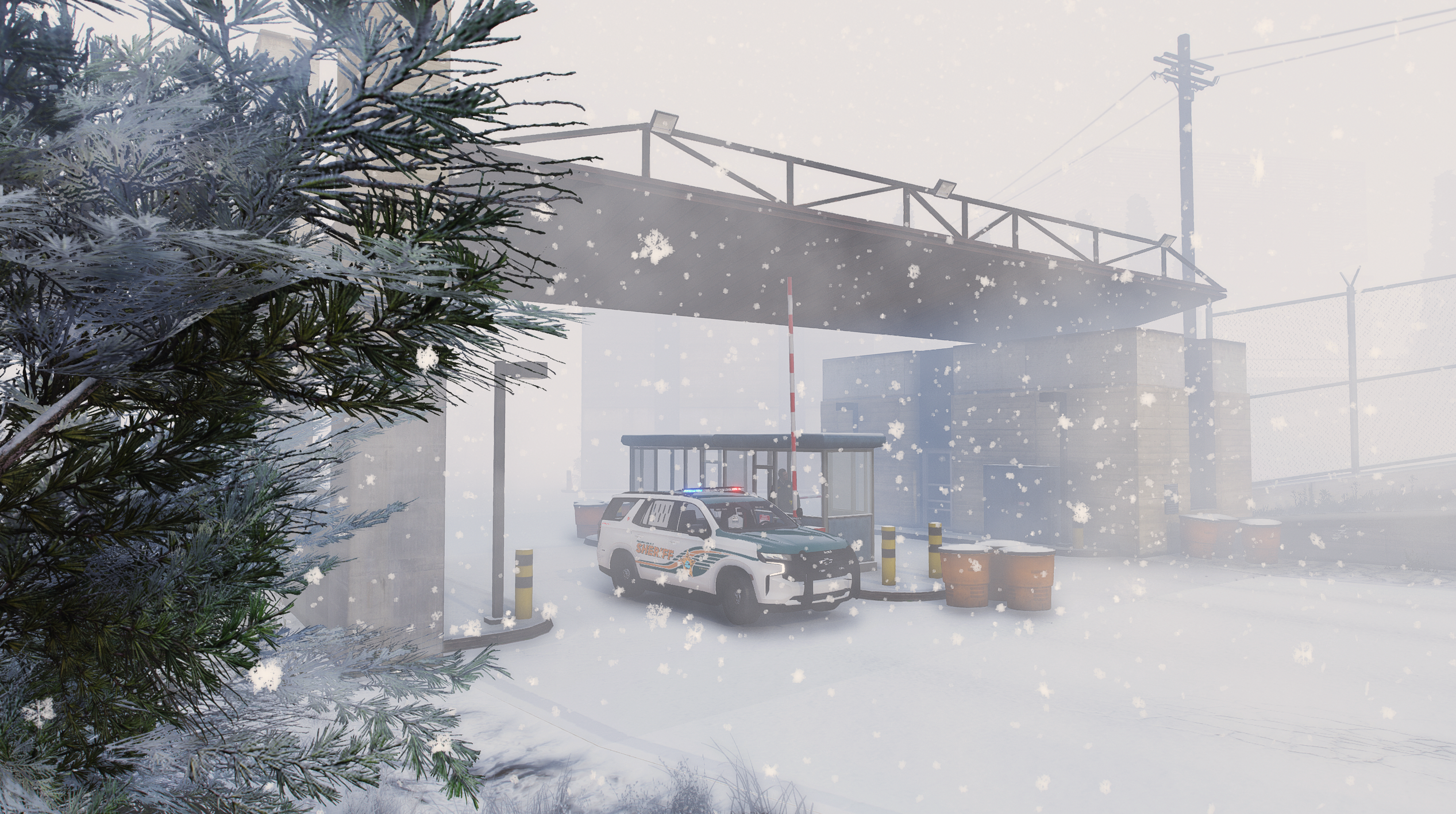
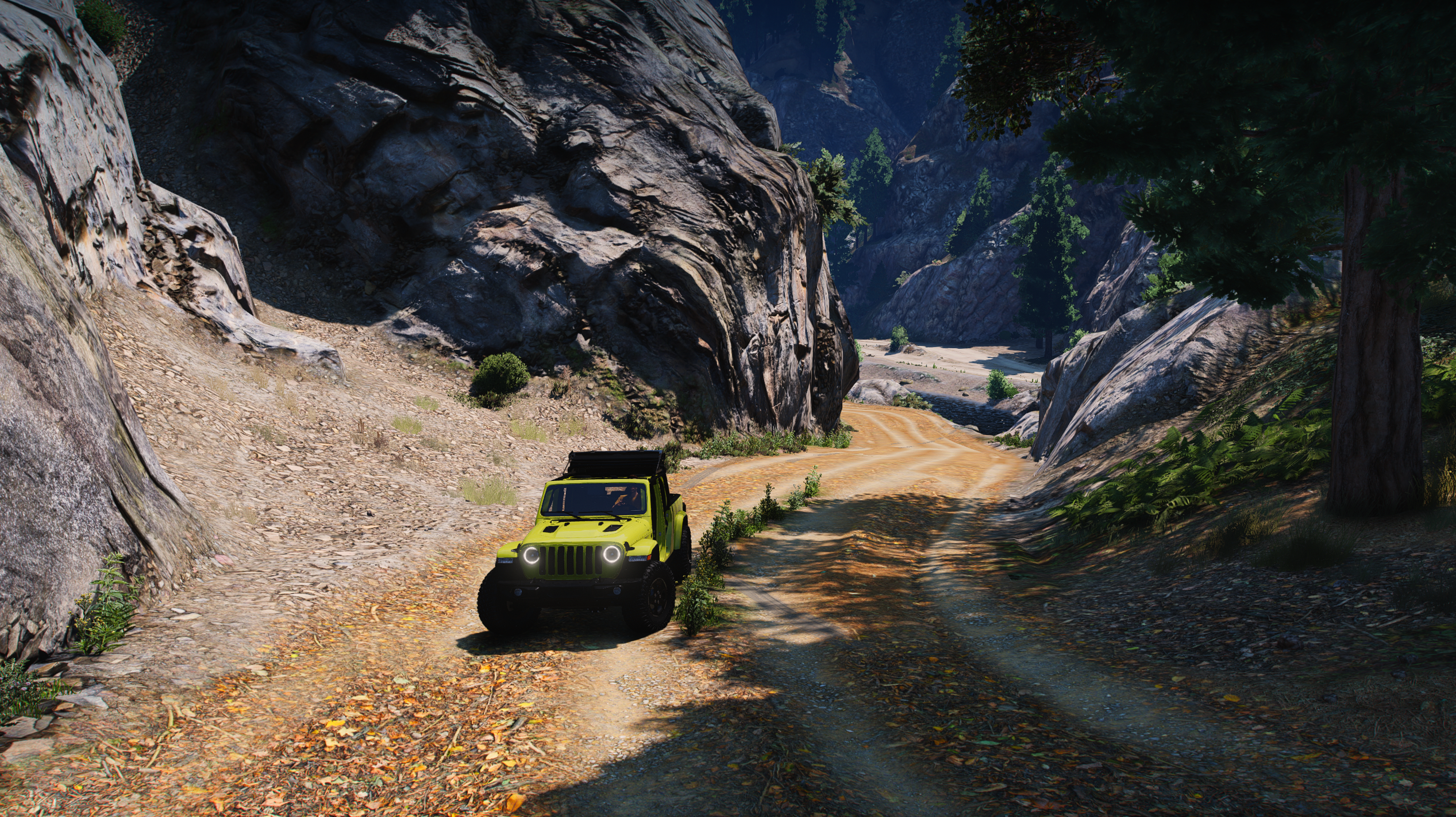
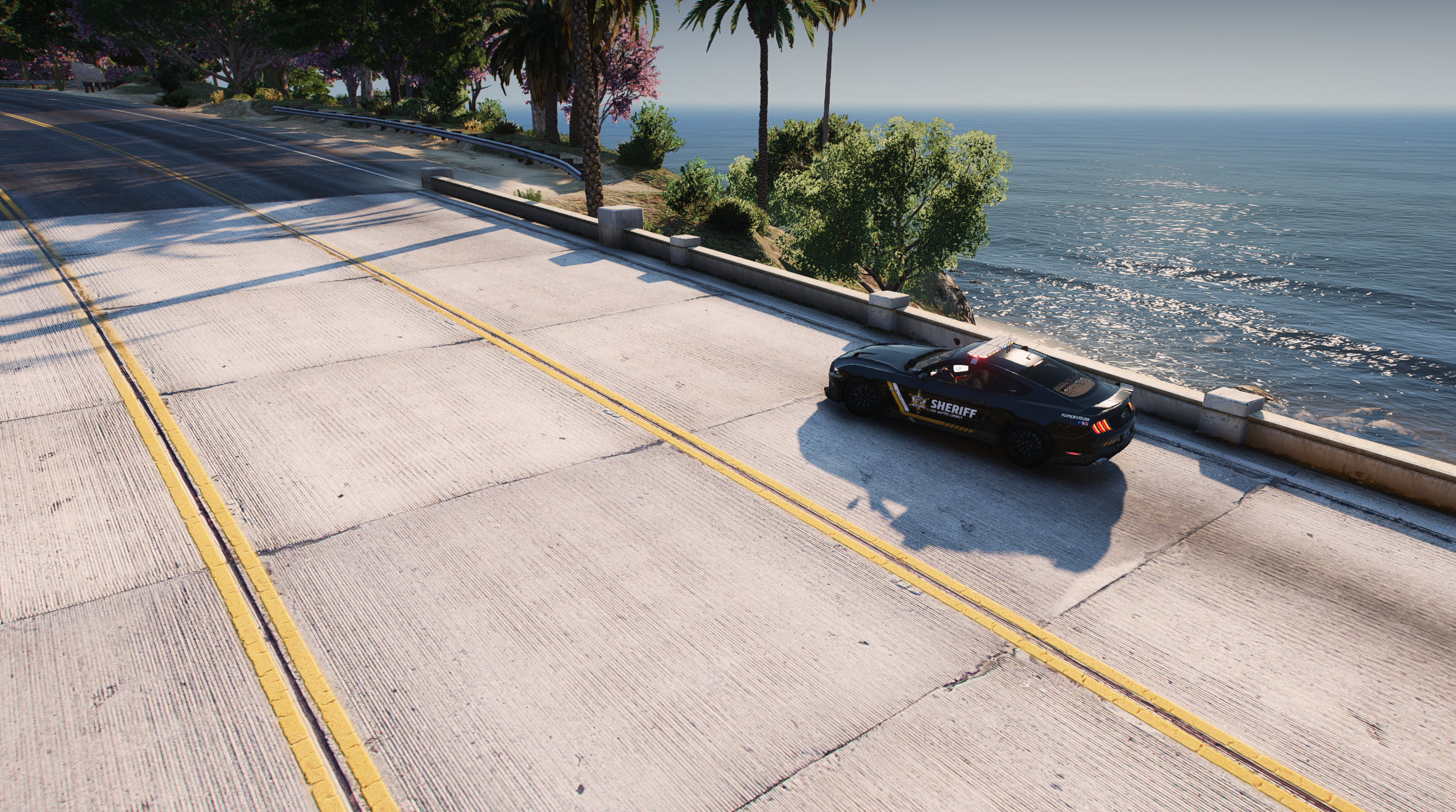
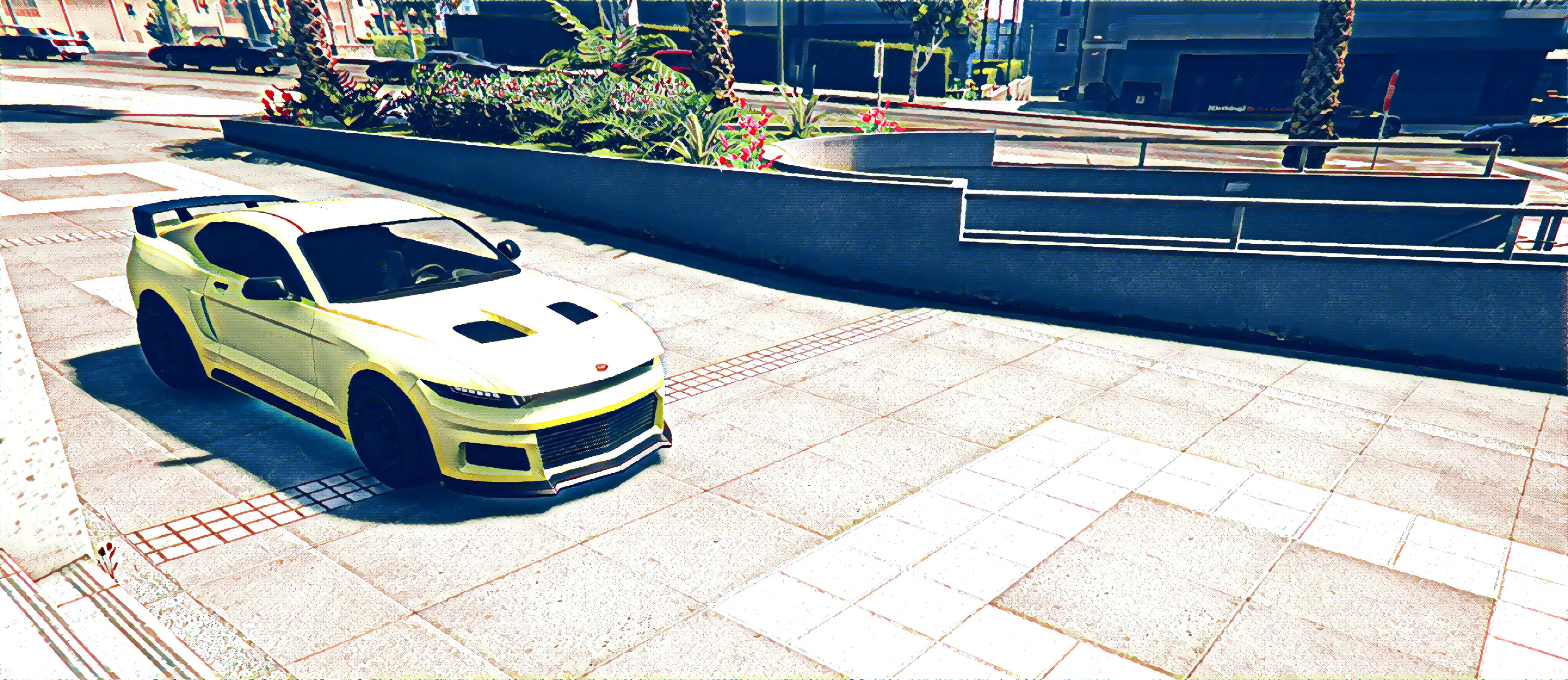
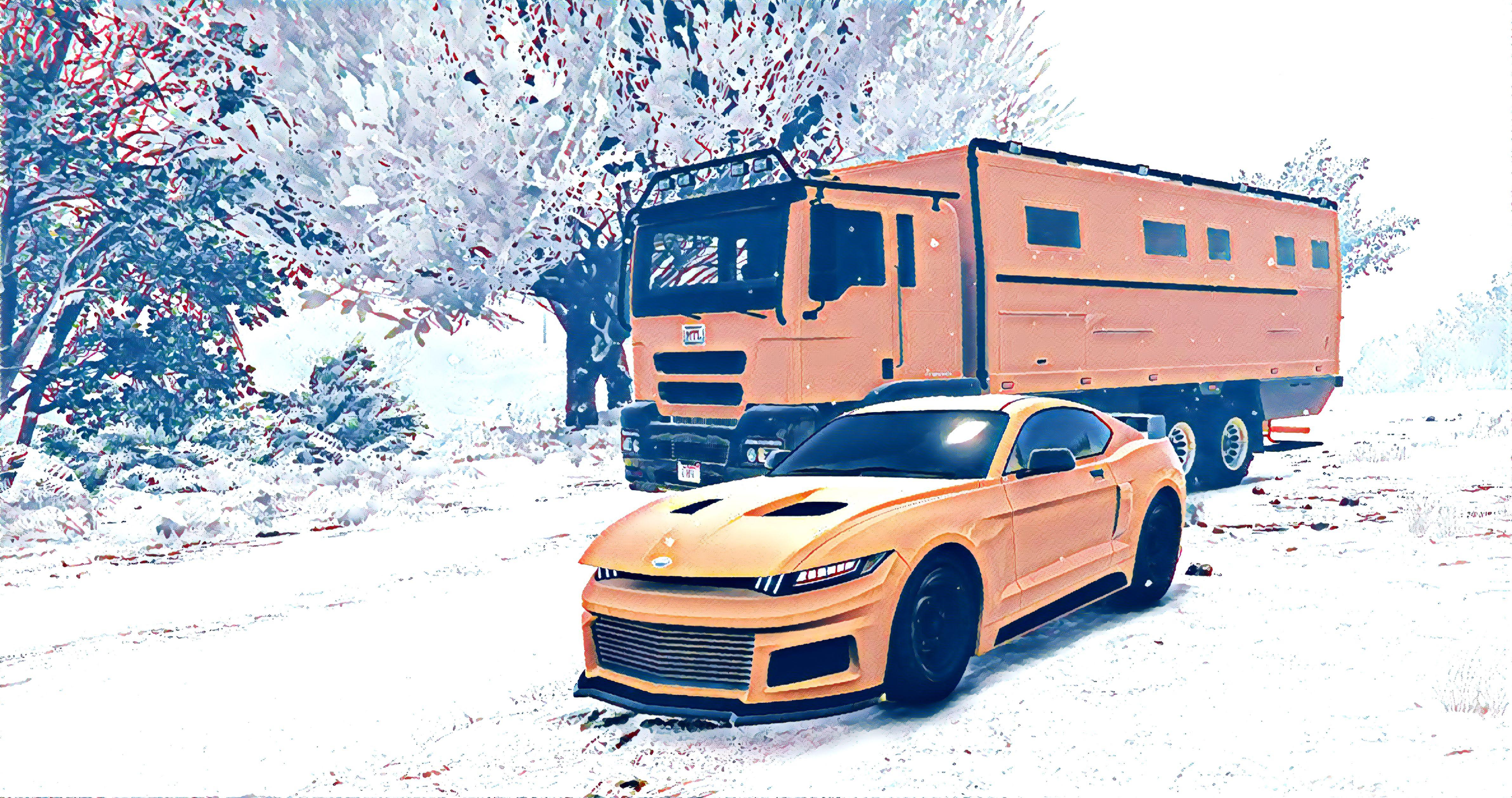
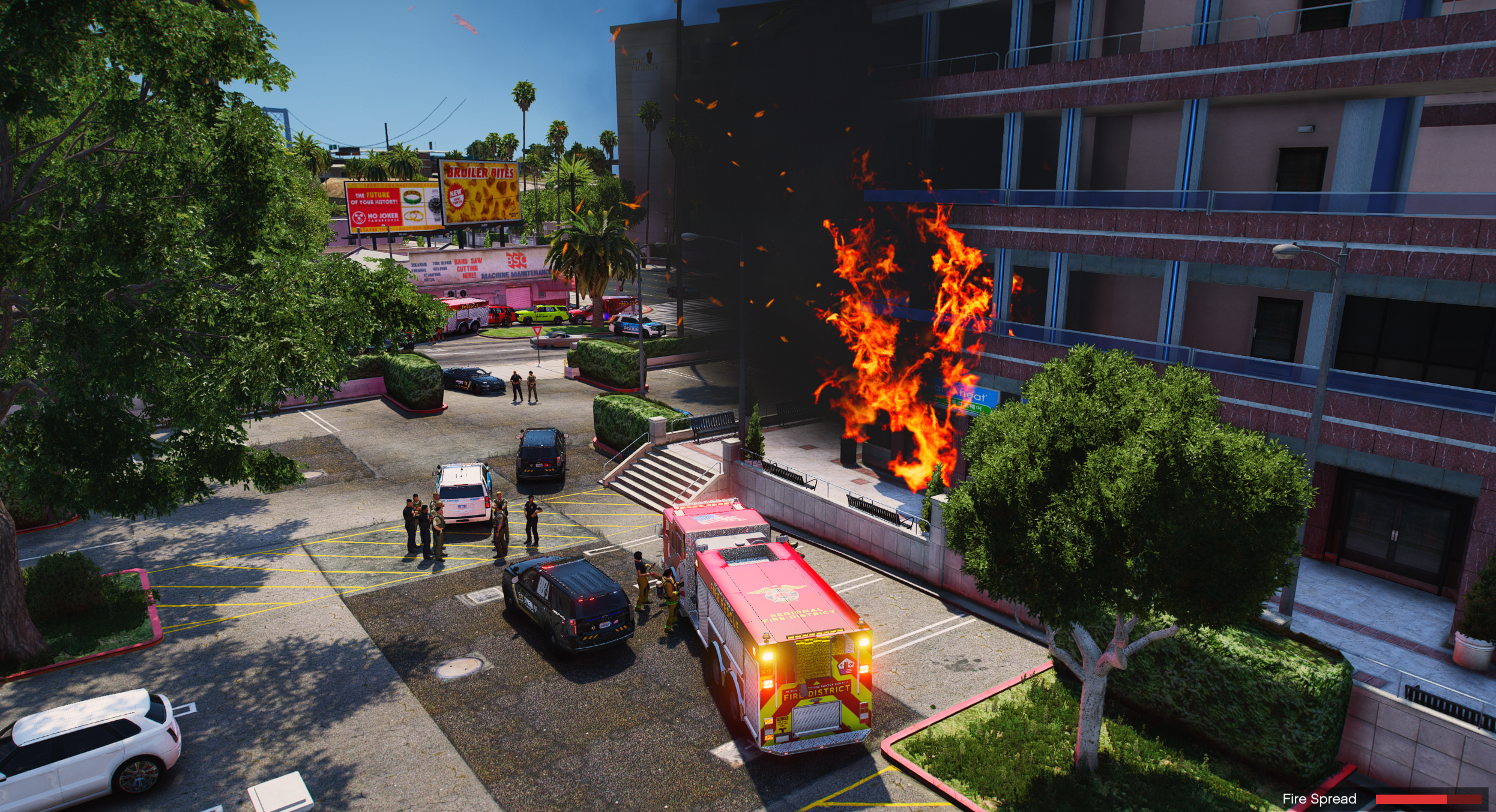
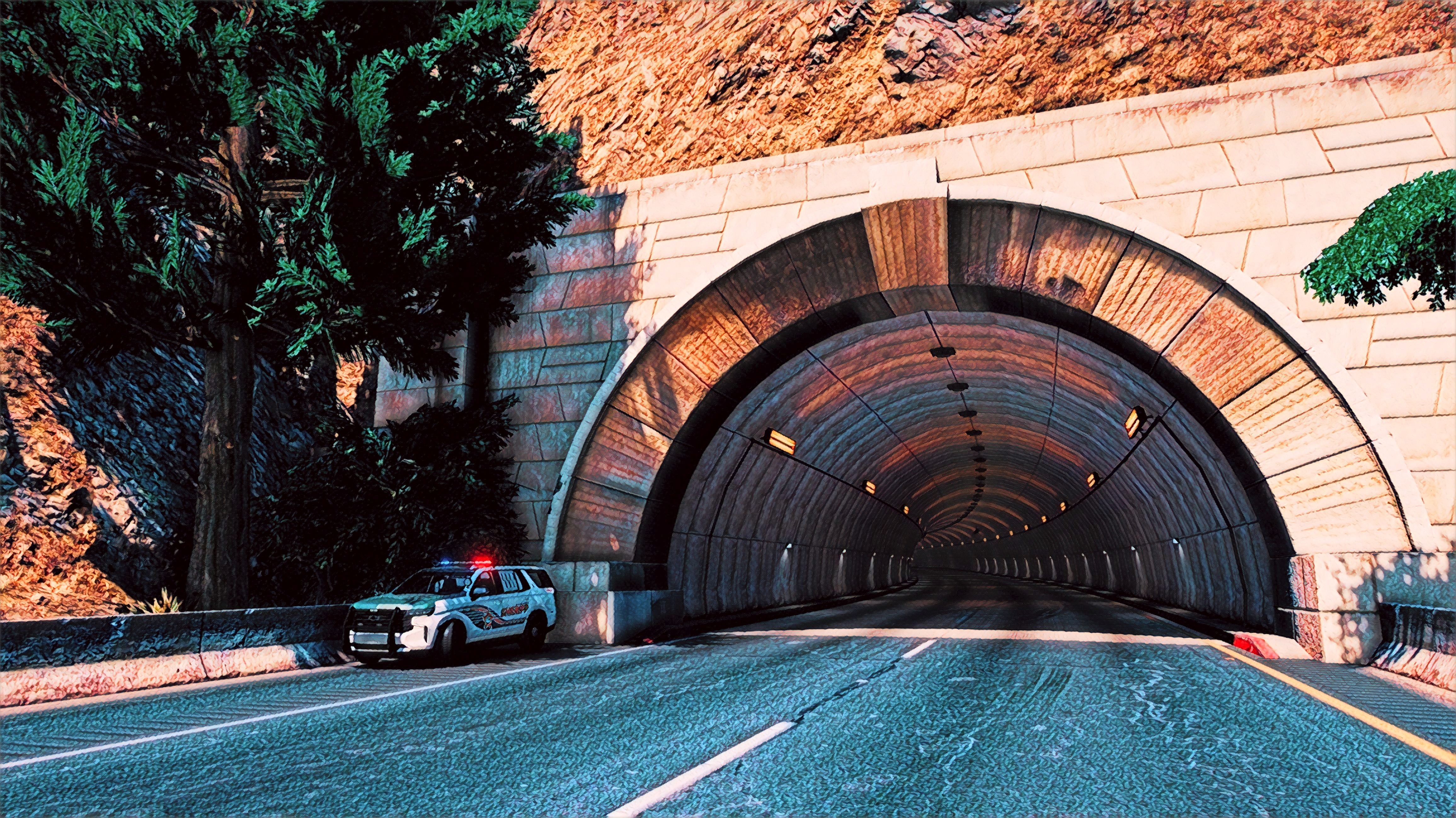
A sandbox for visual upgrades, law-enforcement roleplay, custom vehicles, emergency service scenes, LSPDFR plugin testing, and graphics-focused screenshots.
View GTA V screenshots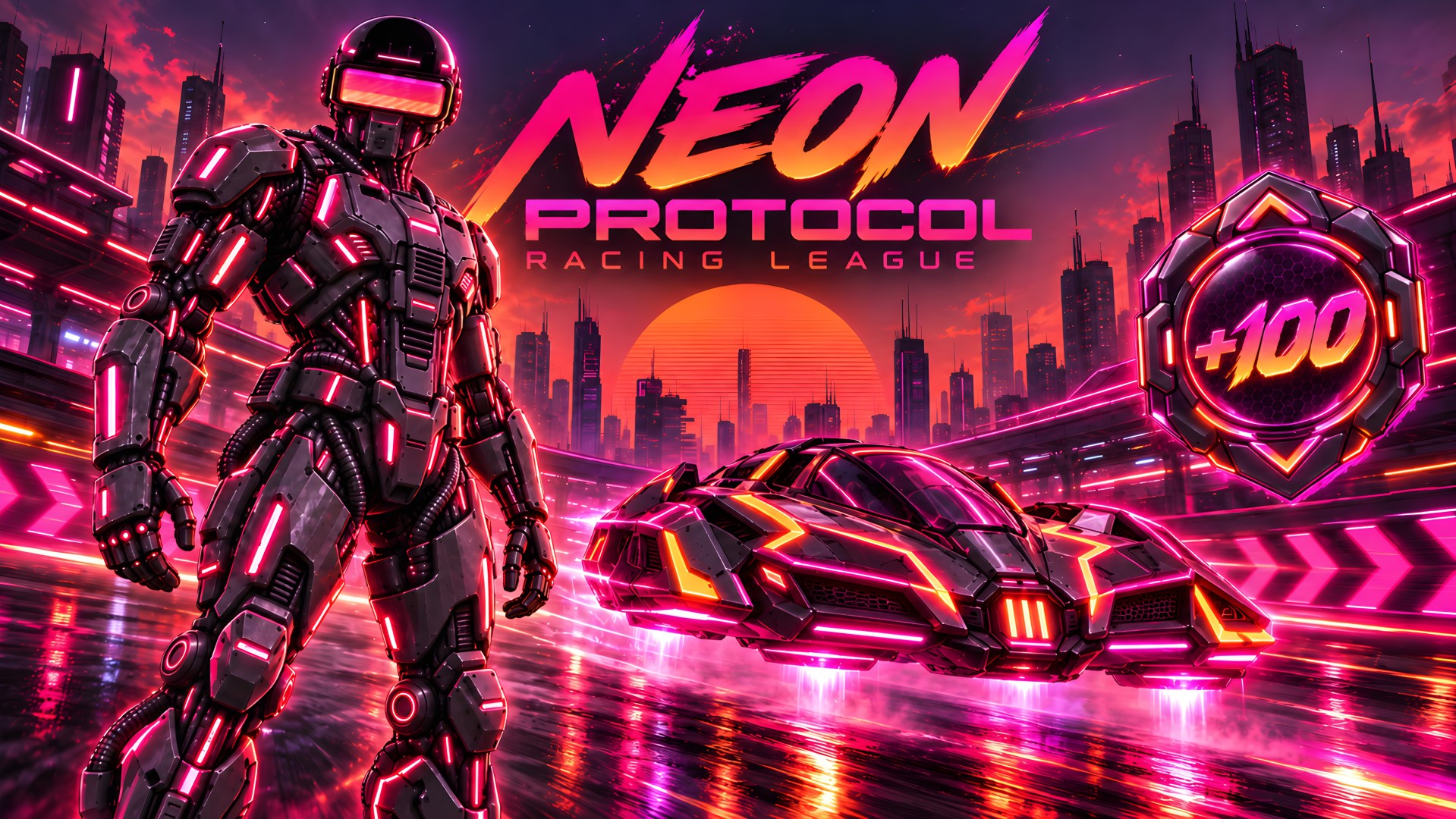
A browser arcade racer set on the neon streets of Solar Spire. Pick your ride and team up with Protocol, your cybernetic co-driver, to chase a high score.
Steer between three lanes with arrow keys, swipes, or on-screen buttons. Dodge traffic, collect power cells, and fire your ray to clear road debris before the clock runs out.
PLAY GAME NOWScreenshot Gallery

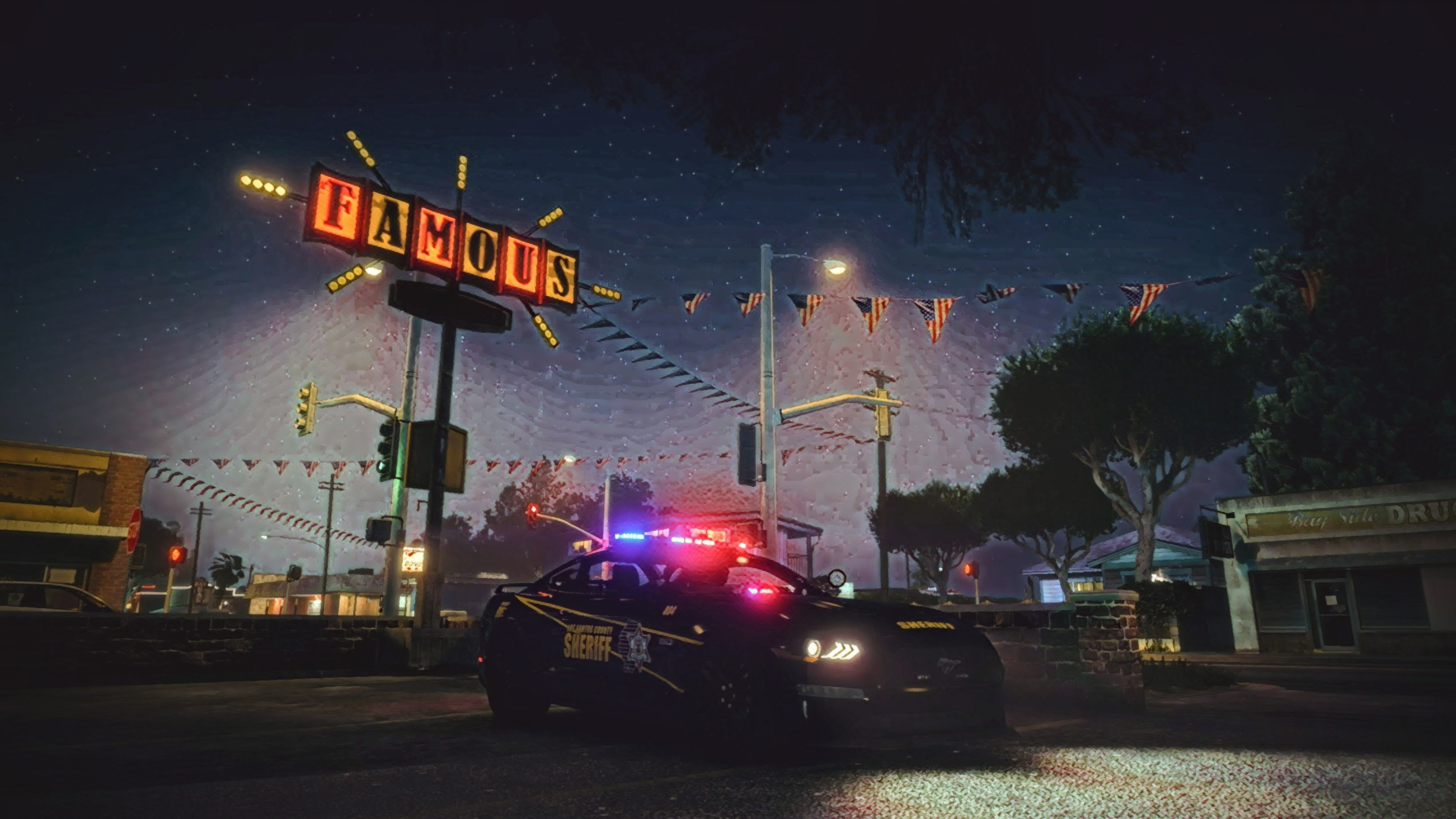
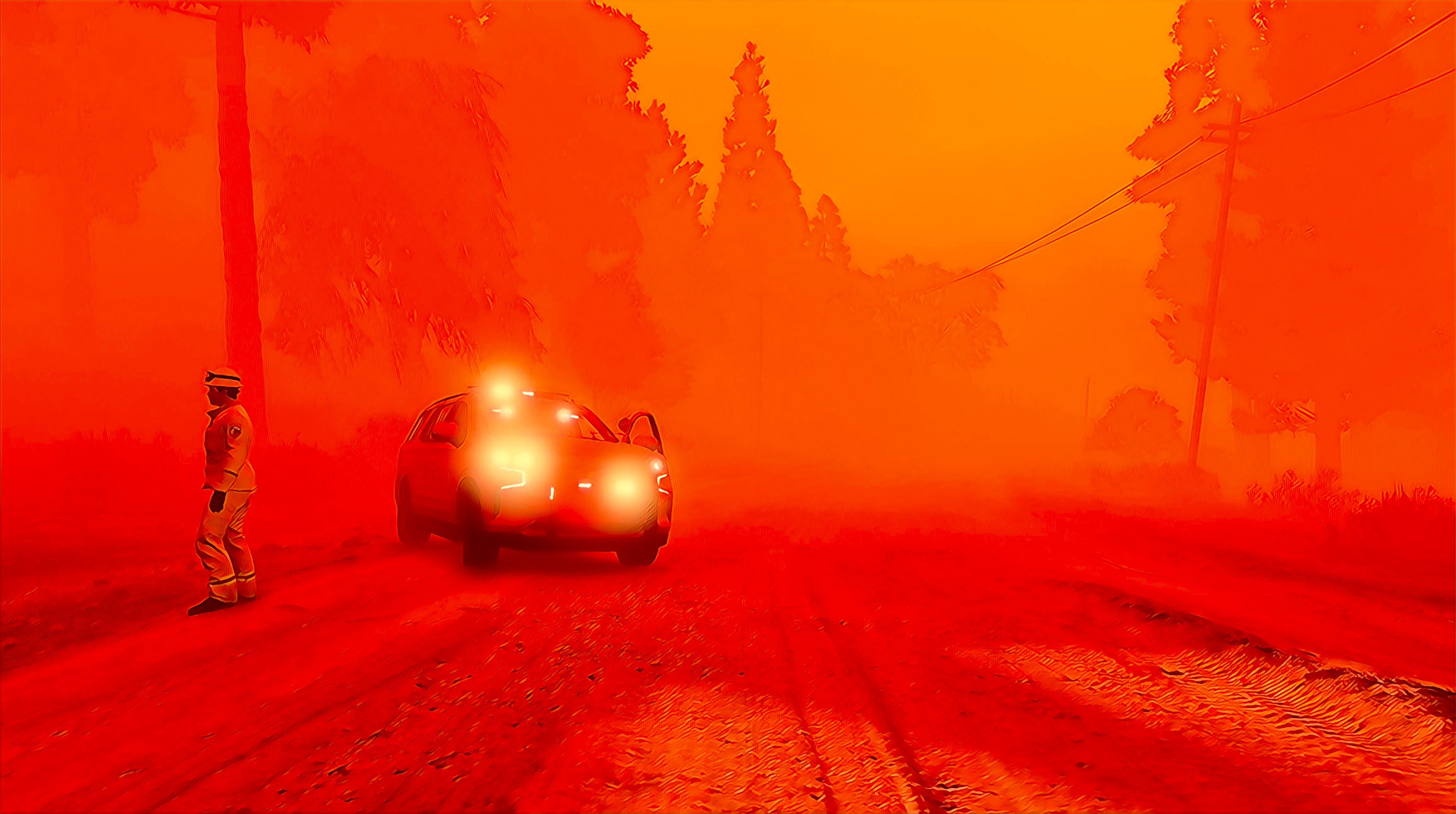
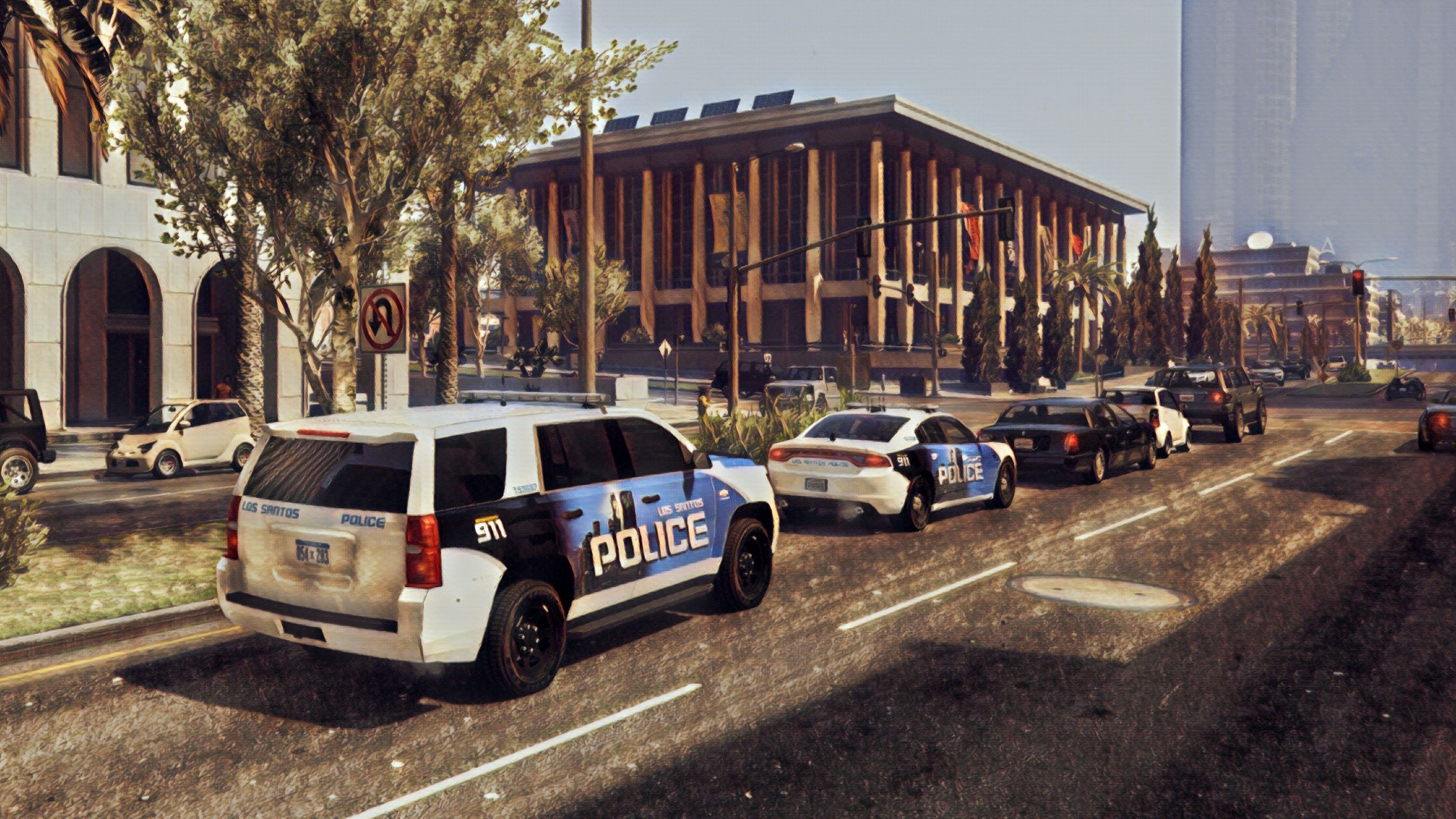

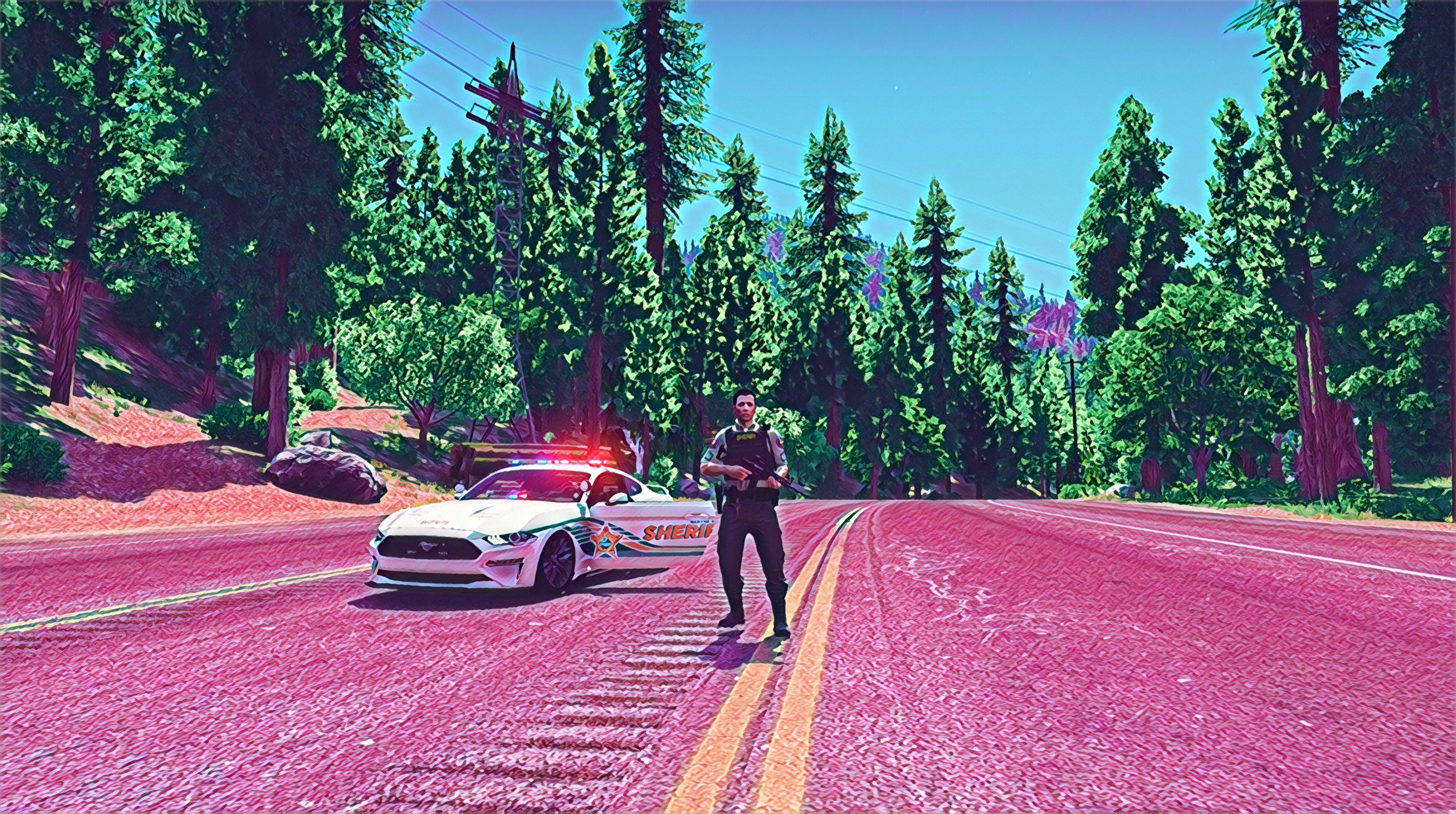


Build Details
PC components, displays, controller choices, storage, cooling, cable management, and upgrade planning.
Launchers, capture tools, drivers, overlays, performance monitors, backup workflows, and organization habits.
Graphics packs, gameplay extensions, LSPDFR plugins, vehicle files, dependencies, load order, and stability testing.
Game settings, keybinds, graphics presets, mod profiles, recording settings, and troubleshooting notes.
Technical Notes
For GTA V, the goal is to keep graphics upgrades, LSPDFR plugins, and vehicle packs organized enough to troubleshoot quickly when something breaks.
Using the same route, mission, or gameplay moment makes it easier to compare presets, driver changes, and capture settings without guessing.
Separate profiles, exported configs, and notes on dependencies make it easier to restore a working setup after updates or experiments.